Practice checking websites for common accessibility issues, including keyboard navigation, alt text, color contrast, headings, forms, links, and media alternatives.
Read each problem carefully. Use the situation to decide what accessibility test should be performed, what issue may exist, and how it could be fixed. Show your reasoning in the space provided.
Testing websites for inclusive design and WCAG basics
Computer Science - Grade 9-12
- 1
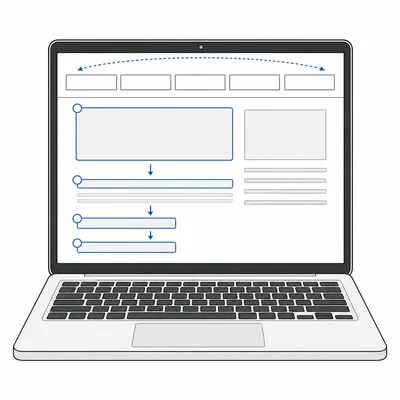
A student is testing a website without using a mouse. They press Tab several times, but they cannot reach the main menu links. What accessibility issue is this, and what should the developer check?
- 2
A product page has an image of a backpack with the alt text "image123.jpg." Explain why this alt text is not accessible and write a better example.
- 3
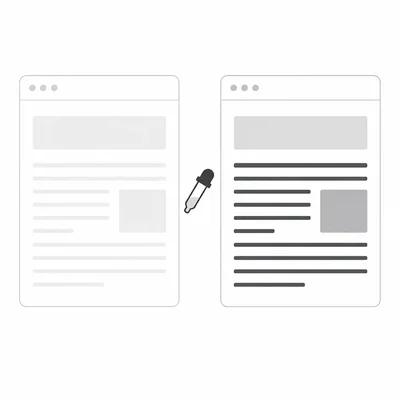
A page uses light gray text on a white background. What test should you perform, and why is it important?
- 4
A form asks for an email address, but the text label disappears when the user starts typing. What accessibility problem could this create?
- 5
A website has a page title of "Untitled Document." Explain why this should be fixed and write a better page title for a school club signup page.
- 6
During testing, you notice a page has headings in this order: H1, H3, H2, H4. What issue might this cause, and what should be checked?
- 7

A button on a checkout page only shows a shopping cart icon with no text label. What should an accessibility tester check?
- 8
A video lesson includes spoken instructions but no captions or transcript. Identify the accessibility problem and suggest a fix.
- 9
A link says "click here" four different times on the same page. Explain why this can be confusing and rewrite one link to be more accessible.
- 10
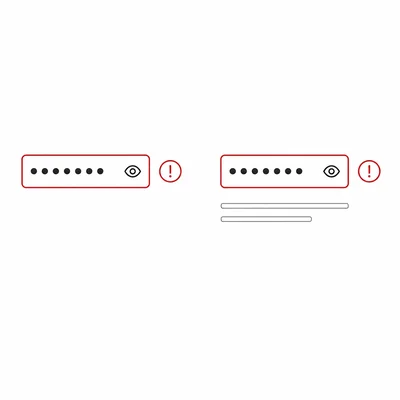
A website shows an error message in red next to a password field, but the message only says the password is invalid by using a red border. What should be improved?
- 11
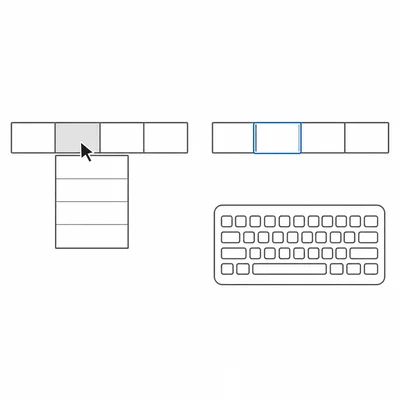
A navigation menu opens when the mouse hovers over it, but it does not open when the user tabs to it with the keyboard. What accessibility principle is being tested?
- 12
A student runs an automated accessibility scanner and it reports zero errors. Does this prove the website is fully accessible? Explain your answer.
- 13
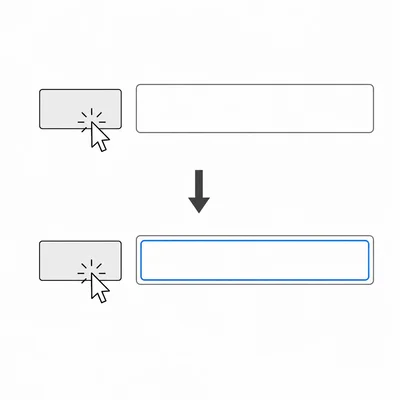
A web page has a form field labeled "Name," but clicking the word "Name" does not move the cursor into the input box. What should the developer check in the HTML?
- 14
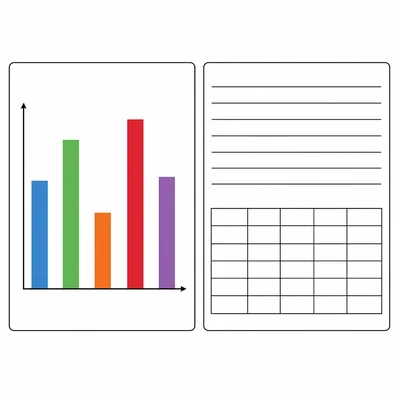
A school website has a chart that shows lunch survey results, but the chart is provided only as an image with no explanation. What accessibility improvement should be made?
- 15
Create a short accessibility testing checklist with at least five items a high school web design team should use before publishing a page.