Practice understanding how digital images are represented with pixels, color values, binary numbers, resolution, and simple image data.
Read each problem carefully. Show your work or explain your thinking in the space provided.
How computers store pictures using pixels, color values, and numbers
CS - Grade 6-8
- 1
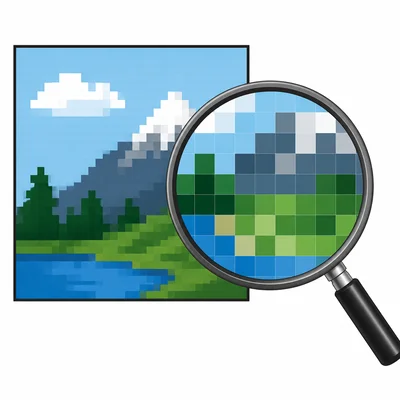
A digital image is made of tiny squares called pixels. Explain what a pixel is and why pixels are important in a digital image.
- 2
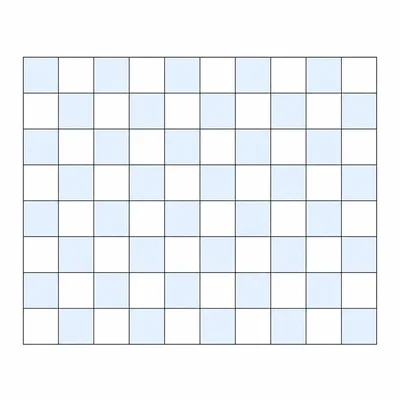
An image is 10 pixels wide and 8 pixels tall. How many total pixels are in the image?
- 3
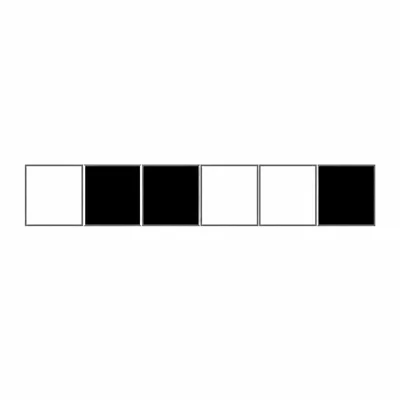
A black-and-white image uses 1 bit for each pixel. In this image, 0 means white and 1 means black. Decode this row of pixels: 0 1 1 0 0 1.
- 4
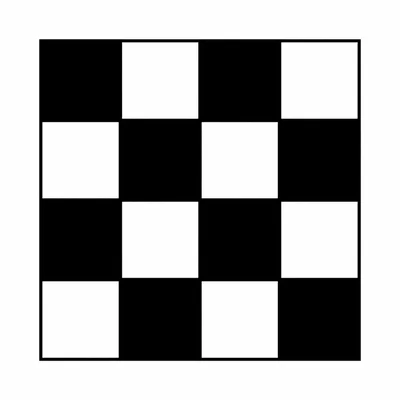
A 4 by 4 black-and-white image uses 1 bit per pixel. How many bits are needed to store the whole image?
- 5

In RGB color, each color is made by mixing red, green, and blue light values. What color is represented by RGB(255, 0, 0)?
- 6
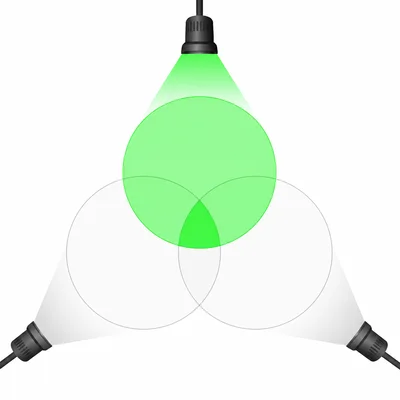
In RGB color, what color is represented by RGB(0, 255, 0), and how do you know?
- 7

A pixel has the RGB value RGB(0, 0, 255). Explain what the three numbers mean.
- 8
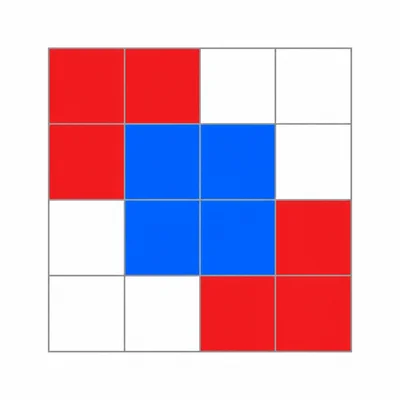
A simple image grid has these color codes: R means red, B means blue, and W means white. Row 1: R R W W. Row 2: R B B W. Row 3: W B B R. Row 4: W W R R. How many blue pixels are in the image?
- 9
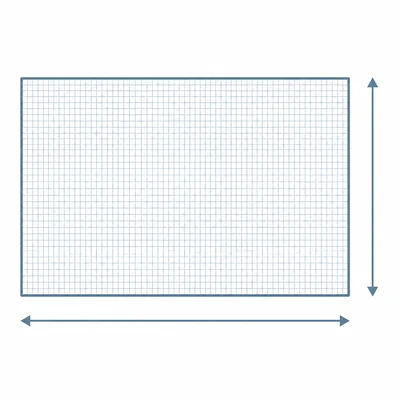
An image has a resolution of 1920 by 1080 pixels. What do the numbers 1920 and 1080 describe?
- 10
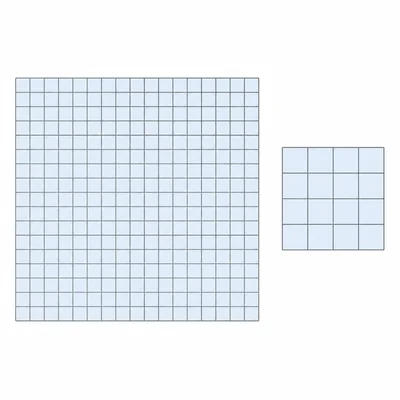
Which image has more pixels: Image A is 800 by 600 pixels, and Image B is 400 by 300 pixels. Explain your answer.
- 11

A grayscale image uses numbers from 0 to 255 for each pixel, where 0 is black and 255 is white. Would the value 200 be closer to black, white, or medium gray? Explain.
- 12
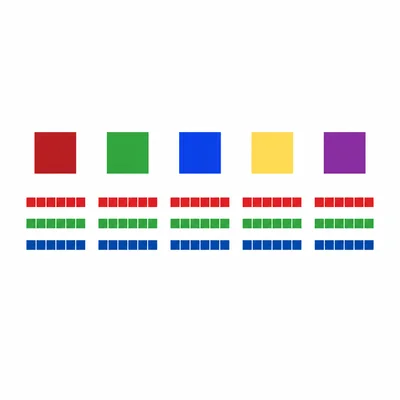
A color image uses 24 bits for each pixel. This usually means 8 bits for red, 8 bits for green, and 8 bits for blue. How many total bits are needed for 5 pixels?
- 13
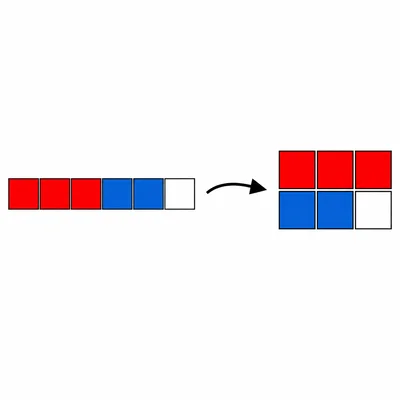
A tiny image is stored as a list of pixel colors in order from left to right, top to bottom: red, red, red, blue, blue, white. Explain how this list can be used to rebuild the image if the image is 3 pixels wide and 2 pixels tall.
- 14
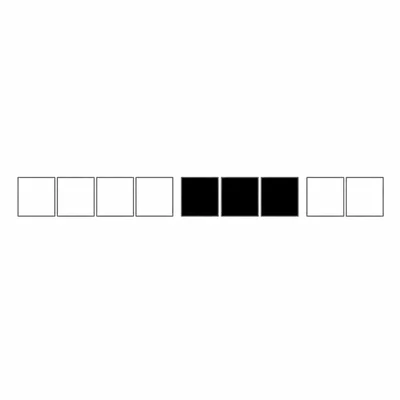
A pixel art file uses run-length encoding to store repeated colors. The code 4W 3B 2W means 4 white pixels, then 3 black pixels, then 2 white pixels. How many total pixels are represented?
- 15
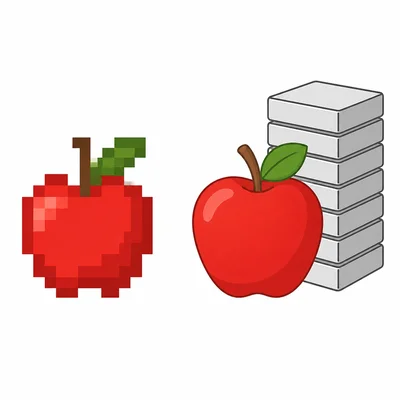
Explain one reason why a higher-resolution image usually needs more storage space than a lower-resolution image.