Create a private online classroom
Create a room for a class, tutoring group, or homeschool. Send an invitation link and approve each signed-in learner before they can see your classroom materials.
Keep lessons, resources, and assignments together in one free online classroom. Built for teachers, tutors, and parents who want to guide learning in class or at home.
Free for teachers and learners. Sign in to get started.
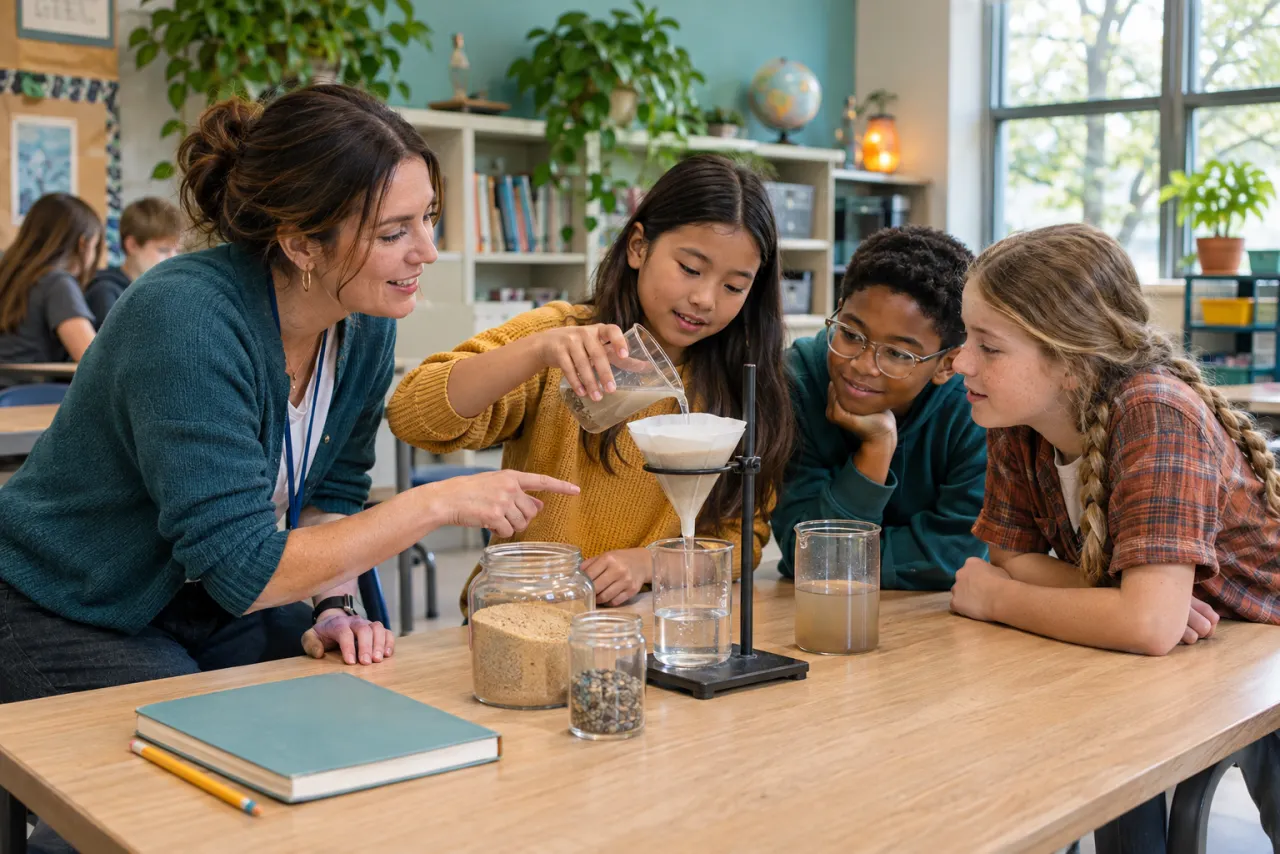
Use one classroom to share a lesson, assign the next activity, and see how students are doing.
Create a room for a class, tutoring group, or homeschool. Send an invitation link and approve each signed-in learner before they can see your classroom materials.
Search for tools, virtual labs, simulations, worksheets, flashcards, cheat sheets, infographics, and explainers. Pin a lesson, group resources by week, and copy a resource list to a new classroom.
Choose a published test from the LivePhysics Practice Tests catalog, add instructions and a due date, then review submissions, scores, and missed questions. Decide when learners can see results.
Use Predict & Reveal in the Separating Mixtures Lab. Students join with a code, vote on what will happen, and see the results you reveal. The classroom owner can review past totals.
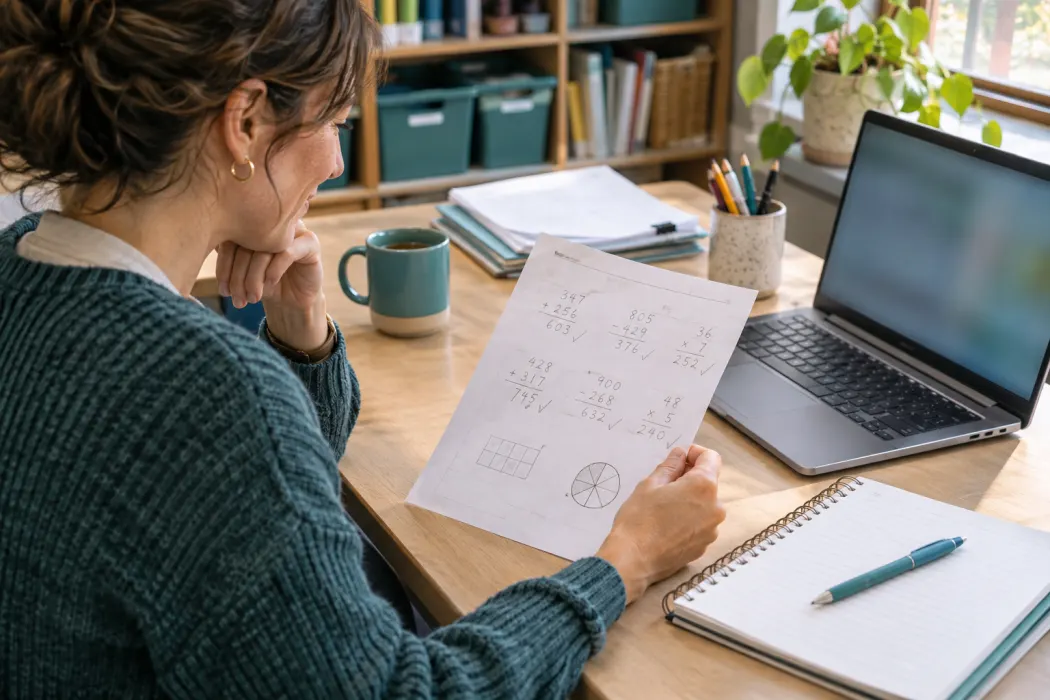
For a long division lesson, add the step-by-step solver and a printable worksheet to the same classroom. For online work, assign the Separating Mixtures worksheet or a quiz or worksheet you created.
Students can save drafts on supported worksheets. Teachers can review written responses, award points, and leave feedback students can read privately.
Have materials of your own? Add quizzes, worksheets, flashcards, cheat sheets, and infographics from My Creations. Share selected resources with another teacher using a share code.
Sign in, open My Classrooms, and name a room for your learners.
Search classroom Resources or use Add to my class from a resource page.
Copy your invitation link. Approve requests from your classroom.
Yes. Teachers and parents can create classrooms, share resources, invite learners, assign supported practice and worksheets, and run classroom challenges for free.
Students sign in and receive owner approval to access a classroom or submit assignments. For a live Predict & Reveal challenge, students can join anonymously with the room code.
The Separating Mixtures worksheet and teacher-created worksheets support online submissions and teacher feedback. You can also save regular printable worksheets to your classroom resource list.