Practice using JavaScript variables, functions, and events to make simple web pages interactive.
Read each problem carefully. Write your answer in complete sentences or clear JavaScript code. Show your thinking when asked.
Practice reading and writing beginner JavaScript code
CS - Grade 6-8
- 1
A student writes this code: let score = 10; score = score + 5; What is the value of score after the code runs? Explain why.
- 2
Write one line of JavaScript that creates a variable named playerName and stores the text value Maya in it.
- 3
Look at this code: const birthYear = 2011; birthYear = 2012; Why would this code cause an error?
- 4
Write a JavaScript function named sayHello that displays the message Hello, coder! in the console when it is called.
- 5
A function is shown below: function doubleNumber(number) { return number * 2; } What does doubleNumber(7) return? Explain how you know.
- 6
Match each JavaScript term to its meaning: variable, function, event. Use each term once. A. A named set of instructions that can be reused. B. A named place to store a value. C. Something that happens, such as a click or key press.
- 7
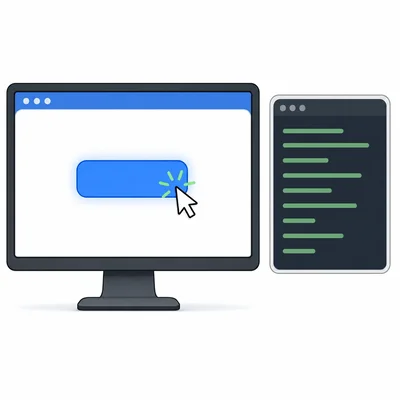
A web page has a button with the id colorButton. Write JavaScript code that listens for a click on the button and then prints Button clicked! to the console.
- 8
Read the code: let clicks = 0; function countClick() { clicks = clicks + 1; } countClick(); countClick(); What is the value of clicks after the code runs?
- 9
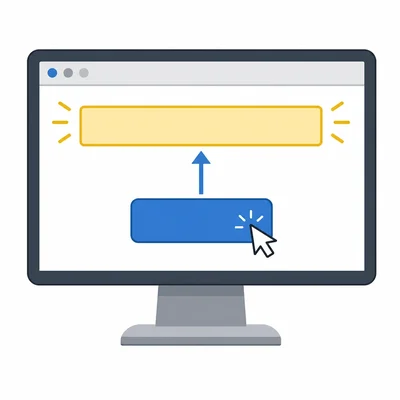
A student wants the heading with id title to change to Welcome! when a button is clicked. Fill in the missing line inside the function: function changeTitle() { ______________________________ }
- 10
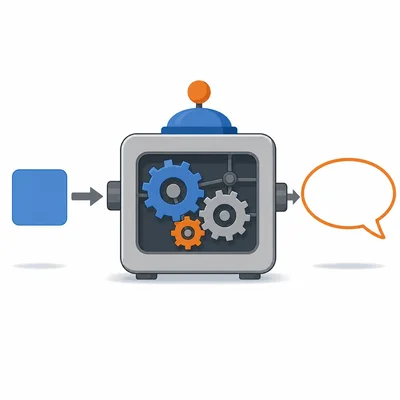
Explain the difference between a parameter and an argument using this example: function greet(name) { console.log("Hi, " + name); } greet("Lena");
- 11
Find and correct the mistake in this code: let total = 3; function addTwo() { total + 2; } addTwo(); The student expects total to become 5.
- 12
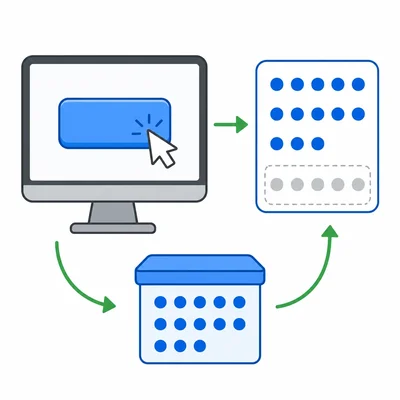
Plan a small interactive web feature. Describe one variable, one function, and one event you would use for a button that keeps track of how many times it has been clicked.