Event-Driven Animation Studio
Programs wait for things to happen - a click, a key press, a timer tick - then respond with actions. Add event rules to a sprite character and watch it come to life.
Rule 1 of 3
Click anywhere on the stage to see the cat move!
When you click the stage, the program detects an onClick event and runs the action.
How Events Work
What is an Event?
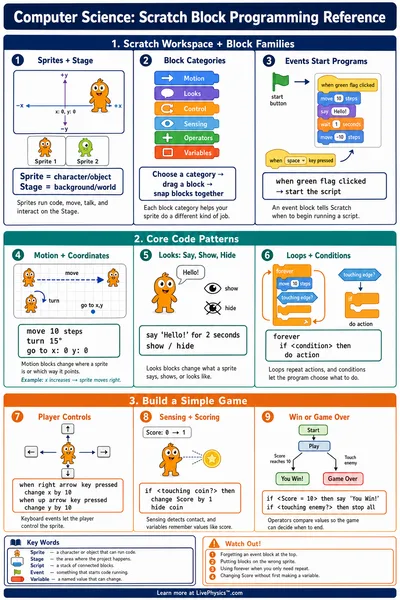
An event is something that happens in the world of a program. Events include
- A mouse click or tap on the screen
- A key press on the keyboard
- A timer reaching a certain time
- A message arriving from another part of the program
Programs do not do anything until an event fires. They just wait.
Event Listeners
A program adds an event listener to watch for a specific event. When that event fires, the listener runs a piece of code called a handler.
You can think of it like a lifeguard watching a pool - always listening, always ready to respond.
In code, this often looks like
button.addEventListener("click", doSomething)
Triggers and Actions
Every event rule has two parts
- Trigger - the event that starts the rule (a click, a timer, a key)
- Action - what the program does when the event fires (move, show a message, play a sound)
You can chain many rules together so that one event triggers an action that causes another event, and so on.
Event-Driven Software
Almost all modern software is built on events. Examples include
- Games - a jump when the player presses a button
- Websites - a dropdown that opens when you hover
- Apps - a notification that pops up when a message arrives
- Robots - a motor that starts when a sensor is triggered