Practice reading, predicting, and designing block-based programs that use events, conditions, if blocks, and if-else blocks.
Read each problem carefully. Use clear explanations and write block steps in order when asked.
Using events to start code and conditions to choose actions
CS - Grade 6-8
- 1
In block-based programming, what is an event? Give one example of an event that could start a script.
- 2
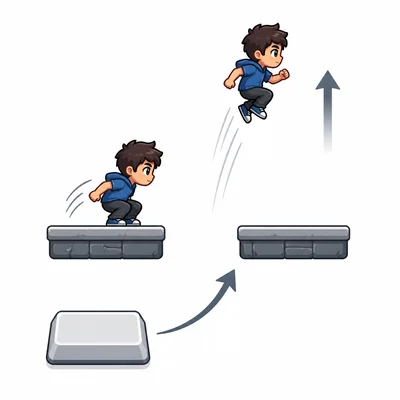
A sprite should jump when the player presses the space key. Which event block would best start this script, and what action block could come after it?
- 3
A program has this condition: if score > 10, then show the message 'Level up'. If the score is 8, will the message appear? Explain.
- 4
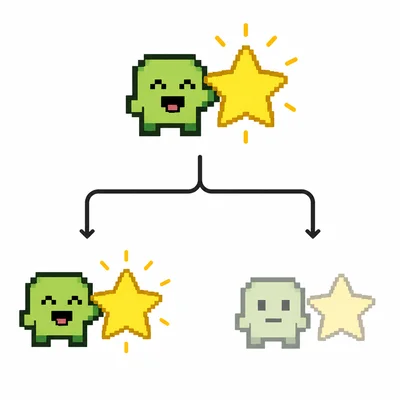
Write the logic for an if-else block that changes a sprite to the 'happy' costume if it is touching a star, and changes it to the 'normal' costume otherwise.
- 5
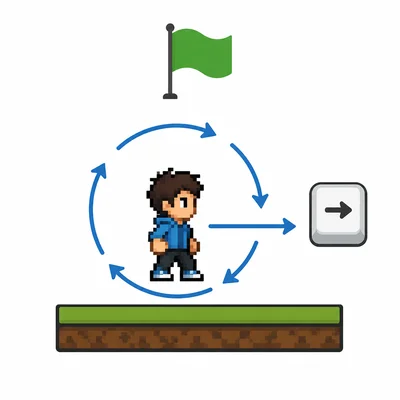
A script says: when green flag clicked, forever, if right arrow key pressed, change x by 5. Describe what the sprite does while the program runs.
- 6
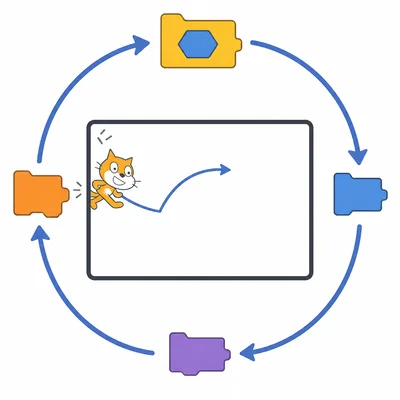
A student puts this code under when green flag clicked: if touching edge, then bounce. The sprite only checks once at the start. What block should the student add so the sprite keeps checking for the edge?
- 7
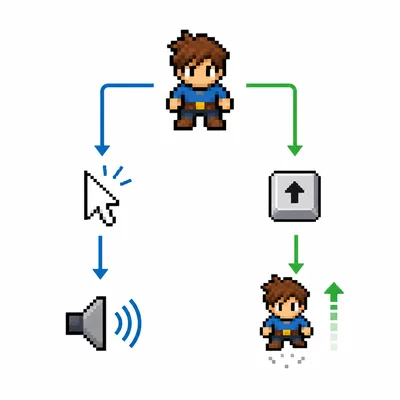
A sprite has two scripts. One script starts when the sprite is clicked and plays a sound. Another script starts when the up arrow key is pressed and moves the sprite up. Can both scripts be used in the same project? Explain.
- 8
A weather app uses conditionals. If raining is true, it shows 'Bring an umbrella'. Else, it shows 'No umbrella needed'. What message appears when raining is false?
- 9
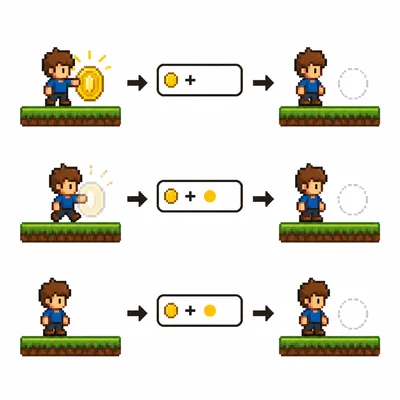
Design a short block-based plan for collecting a coin. When the player touches the coin, the score should increase by 1 and the coin should hide.
- 10
A game has lives = 3. The code says: if lives = 0, then broadcast game over, else keep playing. What happens when lives equals 3?
- 11
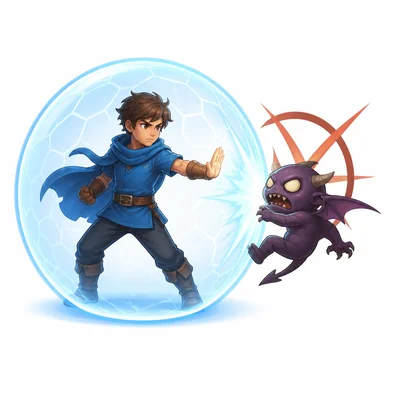
A condition says: if touching enemy and shieldOn = false, then lose 1 life. The player is touching an enemy, but shieldOn = true. Does the player lose a life? Explain.
- 12
A start button sprite should begin the game when clicked. Write two actions that could happen after the event 'when this sprite clicked'.
- 13
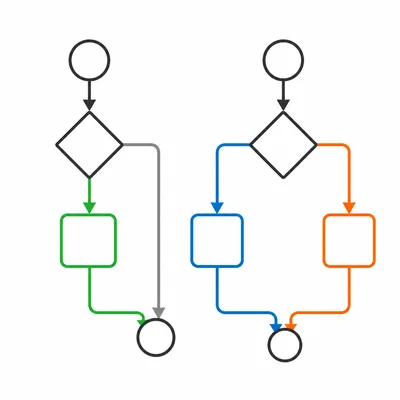
Explain the difference between an if block and an if-else block.
- 14
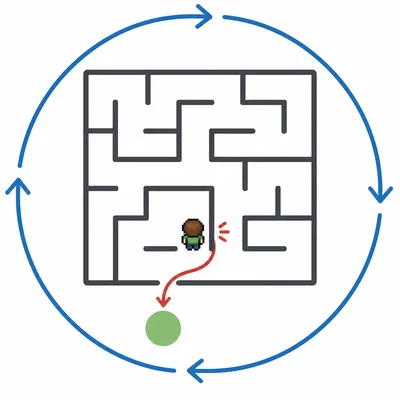
A maze game uses this logic: when green flag clicked, forever, if touching wall, go back to start. Why is the if block placed inside the forever loop?
- 15
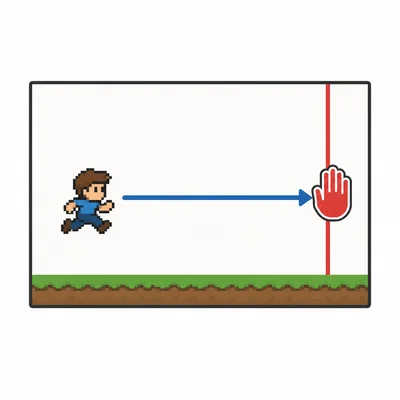
A sprite should stop moving right when its x position is greater than 220. Write a conditional rule that would help control this movement.