Practice identifying cybersecurity threats such as phishing, malware, weak passwords, and social engineering, then choose protections that help keep accounts and devices safer.
Read each problem carefully. Identify the threat or protection, and explain your thinking in complete sentences.
Recognizing common cyber threats and choosing safer protections
CS - Grade 6-8
- 1
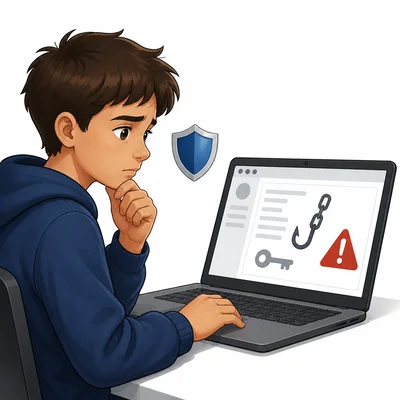
A student receives an email that says their school account will be deleted unless they click a link and enter their password right away. What type of cyber threat is this, and what should the student do?
- 2
Choose the stronger password and explain why: soccer7 or R!verTurtle42$.
- 3
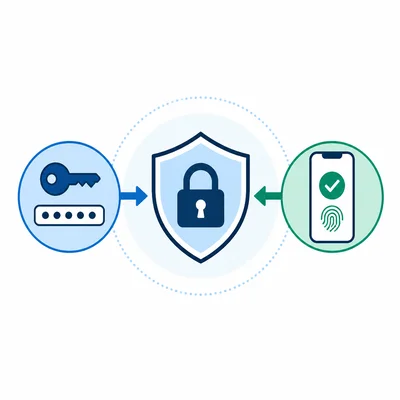
A website asks you to turn on multi-factor authentication for your account. Explain what multi-factor authentication does and why it helps protect you.
- 4
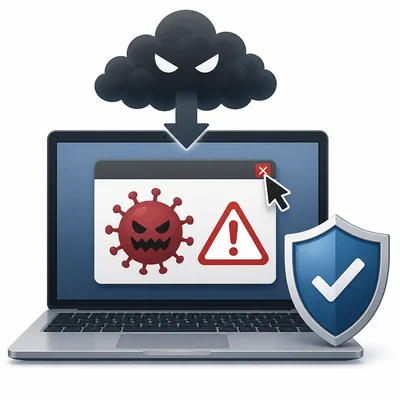
A pop-up says your computer is infected and tells you to download a free cleaner from an unknown website. What risk does this create, and what is a safer action?
- 5
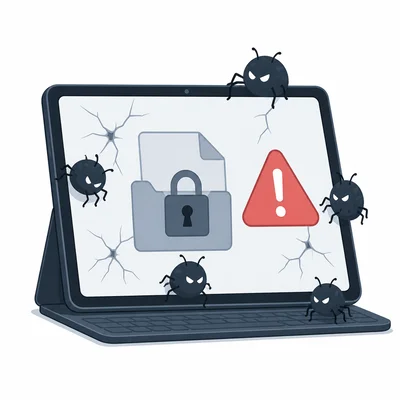
Define malware in your own words, and give one example of what malware can do to a device or account.
- 6
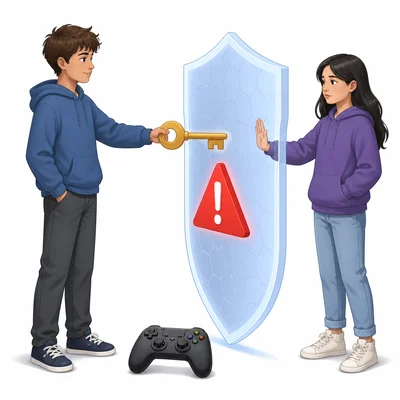
A classmate asks for your game account password so they can help you win a level. Explain why sharing the password is unsafe, even if the classmate seems trustworthy.
- 7
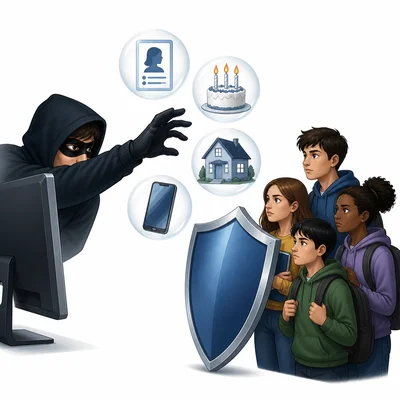
A message from someone pretending to be a school club leader asks for students' full names, birthdays, home addresses, and phone numbers. What type of information is being requested, and why should students be careful?
- 8
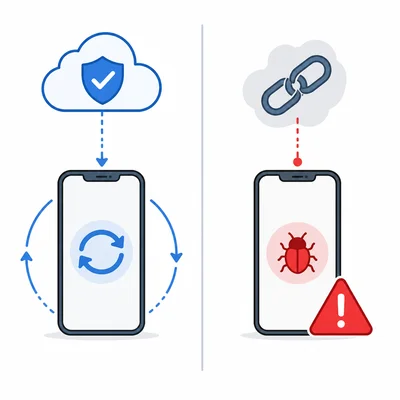
Explain the difference between updating an app and installing an app from an unknown link. Which is safer, and why?
- 9
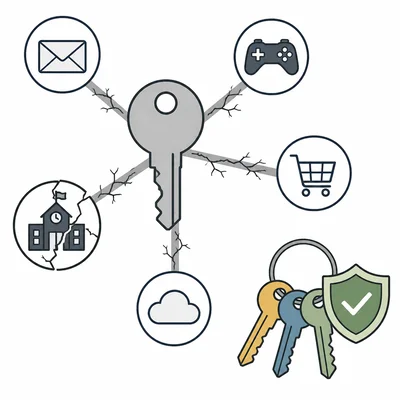
A student uses the same password for email, games, and school accounts. Explain one danger of reusing passwords and one better habit.
- 10
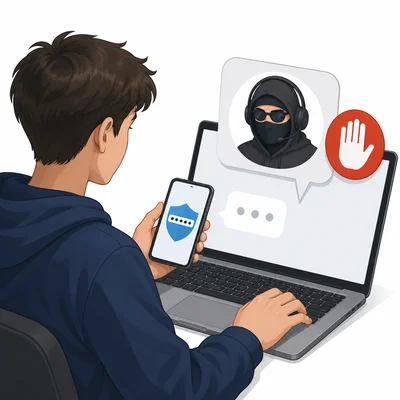
A stranger in an online chat says they are from tech support and need your login code to fix a problem. What cyber threat could this be, and how should you respond?
- 11
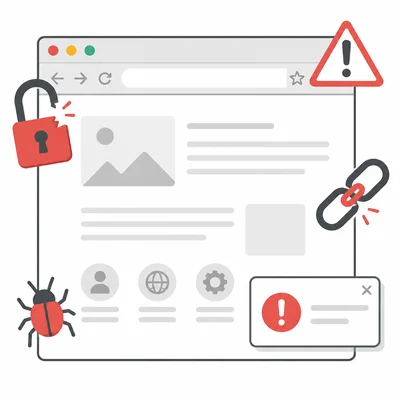
List three signs that a website might not be safe to use for entering a password or personal information.
- 12
Create a short cybersecurity safety plan for a middle school student. Include at least three protections they should use regularly.