Digital Citizenship & Online Safety Lab
Learn what information to keep private online, practice responding to tricky situations, and take your own digital citizenship pledge.
Guided ExperimentDigital Citizenship Investigation
What types of information do you think are safe to share online? Make a list before starting.
Write your hypothesis in the Lab Report panel, then click Next.
Controls
Sort information cards, respond to online safety scenarios, and take your digital citizenship pledge.
Sort Information Cards
Read each card. Is this information safe to share online, or should it stay private?
Your first name
Data Table
(0 rows)| # | Scenario / Card | My Choice | Safe Choice |
|---|
Reference Guide
What is Digital Citizenship?
Being a digital citizen means using the internet and technology in a safe, kind, and responsible way.
Just like being a good citizen in your community means following rules and treating people with respect, being a good digital citizen means doing the same thing online.
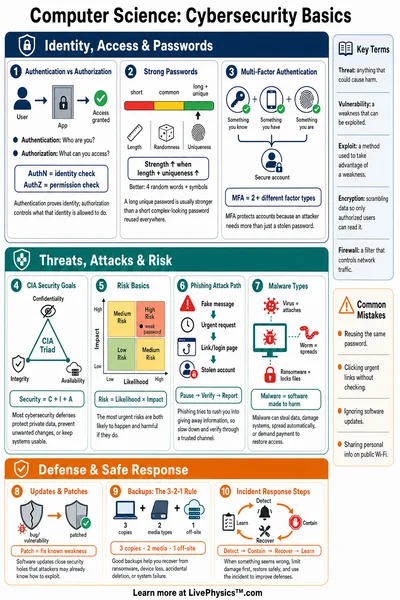
Safe vs Private Information
Some information is fine to share online. Other information should stay private
- Safe to share. First name, favorite color, hobbies, pet name.
- Keep private. Full name, home address, phone number, password, photos of your home.
When you are not sure if something is safe to share, ask a trusted adult first.
Trusted Adults
A trusted adult is a grown-up you feel safe talking to. They are people who will listen, believe you, and help keep you safe.
Trusted adults can include
- A parent or guardian
- A teacher or school counselor
- A grandparent or other family member
Being Kind Online
Kindness online matters just as much as kindness in real life. Before you post or send something, ask yourself
- Is it true?
- Is it helpful?
- Is it kind?
If someone is unkind to you online, do not respond with unkindness. Save the message and show it to a trusted adult.