Practice identifying accessibility features, barriers, and design choices that help people use websites, apps, and devices.
Read each problem carefully. Write complete answers and explain your thinking when asked.
Designing digital tools that more people can use
CS - Grade 6-8
- 1
A student uses a screen reader to listen to a website. Explain why adding alt text to images helps this student.
- 2

Write helpful alt text for an image on a school lunch website. The image shows a tray with a turkey sandwich, carrot sticks, apple slices, and milk.
- 3
A video for a science class has no captions. Identify one group of users who may have trouble using it and explain why captions would help.
- 4
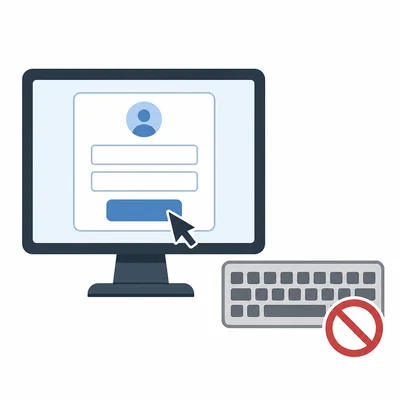
A website login form can only be used with a mouse. Explain why this is an accessibility barrier.
- 5
List two ways a web designer can make a button easier for more people to use.
- 6
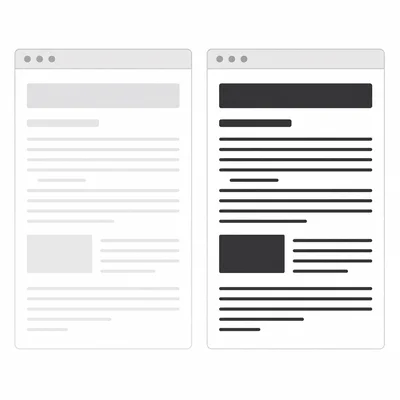
A website uses light gray text on a white background. Explain the problem and suggest a better design choice.
- 7
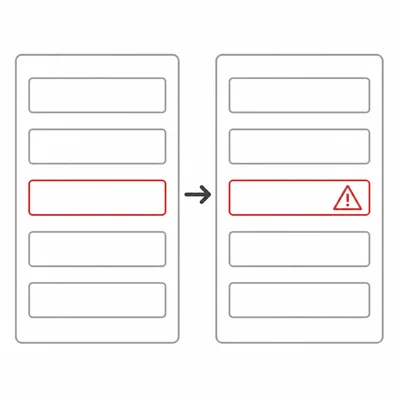
An app shows errors only by turning a form field red. Explain why this can be a problem and give one improvement.
- 8
Match each accessibility feature to the user need it supports: captions, keyboard navigation, alt text, adjustable text size. Write one sentence for each match.
- 9
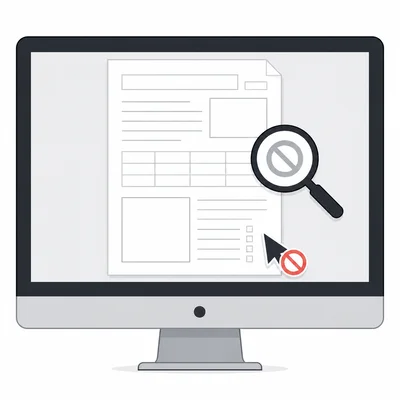
A teacher posts a PDF that is a scanned picture of a worksheet, so students cannot select or search the text. Explain why this may be inaccessible.
- 10
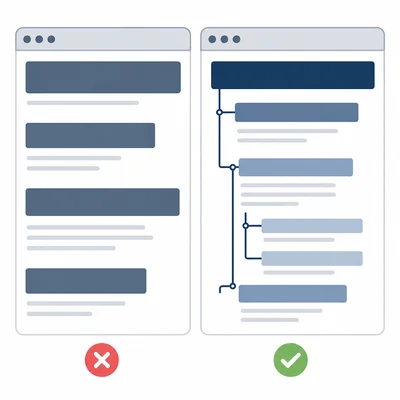
A website has headings that look big and bold, but the code does not mark them as headings. Explain why proper headings matter.
- 11
You are testing a website for accessibility. Describe three actions you could take to check whether it is easy to use without a mouse.
- 12
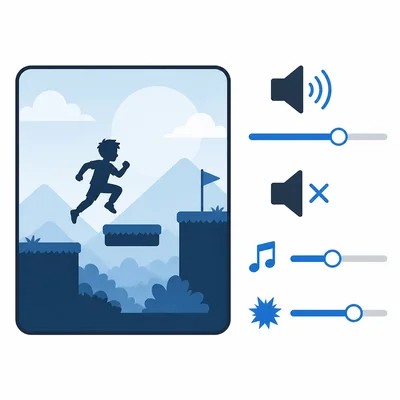
A game includes background music and sound effects. Describe two accessibility options that could make the audio easier to control.
- 13
Explain the difference between accessibility and usability in technology.
- 14
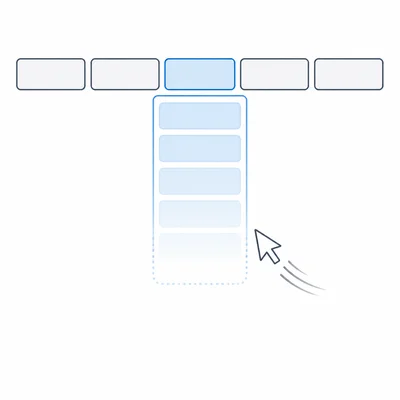
A navigation menu closes too quickly when a user moves the pointer away for a moment. Explain how this could affect users and suggest a fix.
- 15
Choose a website, app, or device you use often. Describe one accessibility feature it has and one accessibility improvement you would add.