Computer Parts & Input/Output Playground
Sort computer parts into groups, input, output, processing, and storage. Then explore what happens when you remove a part, and trace the path a task takes through the computer.
How to play Click a computer part to select it (it gets a blue glow), then click a category button below to sort it. Try to sort all 8 parts!
Test it! See the path a task takes
Click a task below to see which computer parts work together to make it happen.
What if you removed a part?
Pick a computer part to see what would stop working without it.
Quick Reference
What are computer parts?
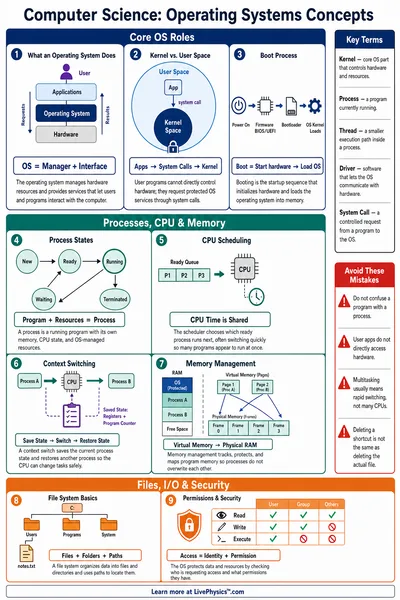
Every computer has parts that each do a specific job. Input parts send information to the computer. Output parts send information from the computer to you. The CPU (Central Processing Unit) is the brain that processes everything. Storage parts save your files so they are not lost when you turn the computer off.
How parts work together
When you type on the keyboard (input), the CPU (processing) figures out which letter you pressed and then tells the monitor (output) to show it on screen. All the parts work together as a team. If one is missing, some jobs cannot get done.