Practice identifying private information, staying safe online, respecting others, and making ethical choices in digital spaces.
Read each scenario carefully. Write complete answers and explain your reasoning when asked.
Making safe, responsible choices in digital spaces
CS - Grade 6-8
- 1
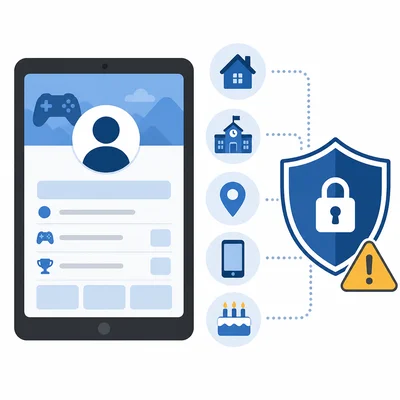
A student is creating a profile for a gaming website. List three pieces of information they should not share publicly.
- 2
Choose the stronger password: soccer123 or T7!mQ2#vL9. Explain why it is stronger.
- 3

You receive a message that says you won a free phone and must click a link right away to claim it. Describe two warning signs that this message could be a scam.
- 4
A classmate posts an embarrassing photo of another student without permission. Explain why this is a problem and what a responsible digital citizen should do.
- 5

Define digital footprint in your own words and give one example of something that can become part of it.
- 6
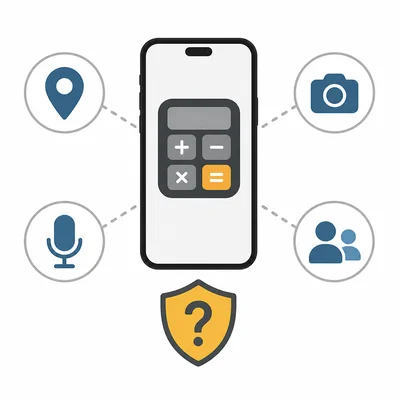
An app asks for access to your location, camera, microphone, and contacts, but it is only a simple calculator app. What should you do before allowing these permissions?
- 7
A student copies an entire article from a website and turns it in as their own work. Identify the ethical issue and describe a better choice.
- 8
Read this privacy setting: Public means anyone can see your post. Friends means only approved friends can see your post. Private means only you can see it. Which setting is safest for a journal entry about your feelings, and why?
- 9
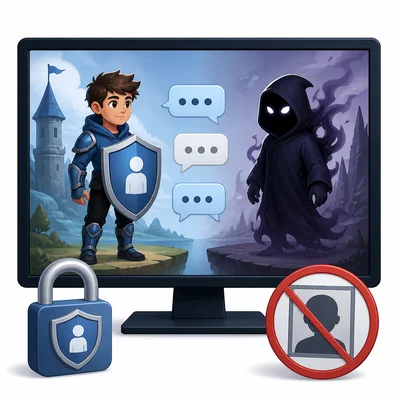
A stranger in an online game asks for your real name, school, and a photo. Write a safe response and explain your next step.
- 10
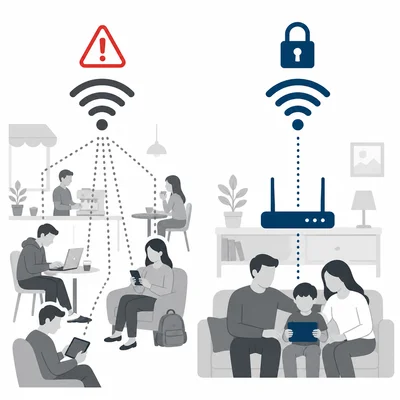
Explain the difference between a public Wi-Fi network and a private home Wi-Fi network. Why should you be careful when using public Wi-Fi?
- 11
You want to use a photo you found online in a school presentation. Describe two steps you should take before using it.
- 12
A friend sends a rude comment about someone in a group chat and asks you to share it. What is a respectful and safe choice?
- 13
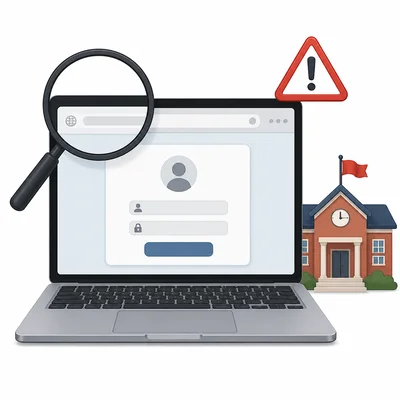
A website address looks almost like your school's website, but one letter is changed and it asks for your login. What should you do?
- 14
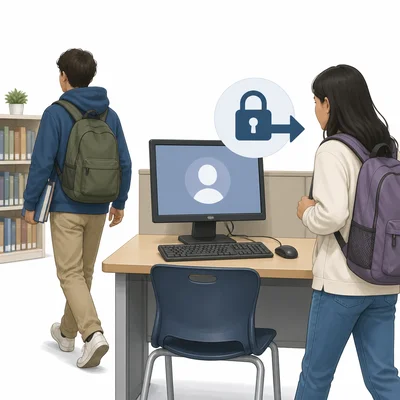
Explain why it is important to log out of your account when using a shared computer at school or a library.
- 15
Create a short checklist with four rules for being a safe and ethical digital citizen.