Practice key ideas behind computer animation and simulation, including frames, sprites, variables, loops, events, randomness, and model accuracy.
Read each problem carefully. Write clear answers and show any steps or reasoning in the space provided.
Using code to create motion, models, and interactive worlds
CS - Grade 6-8
- 1
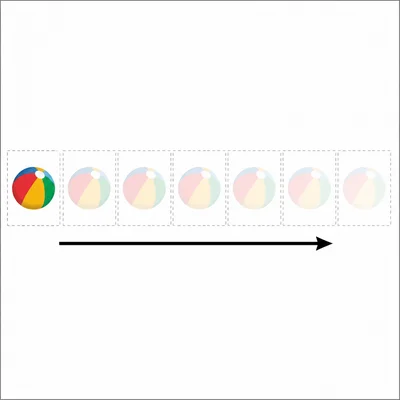
In a computer animation, a ball moves 4 pixels to the right each frame. If the animation runs for 10 frames, how far to the right will the ball move?
- 2
Explain the difference between an animation and a simulation.
- 3
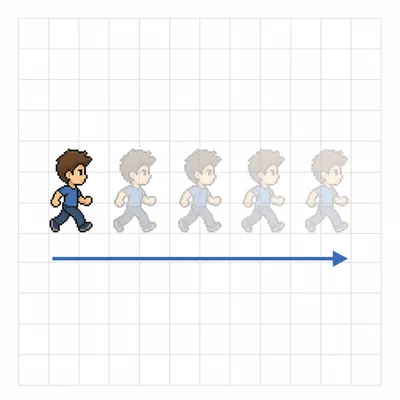
A sprite has an x-position of 20 and a y-position of 50. Each frame, its x-position increases by 5. What will its x-position be after 6 frames?
- 4
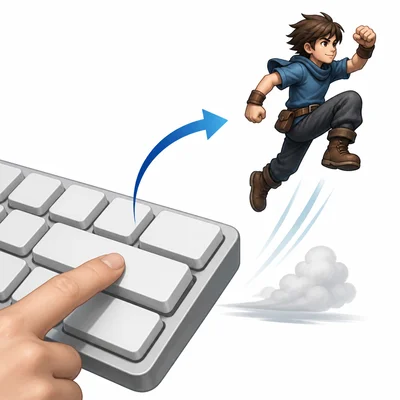
A game character should jump when the space bar is pressed. What type of programming concept is being used to detect the key press?
- 5
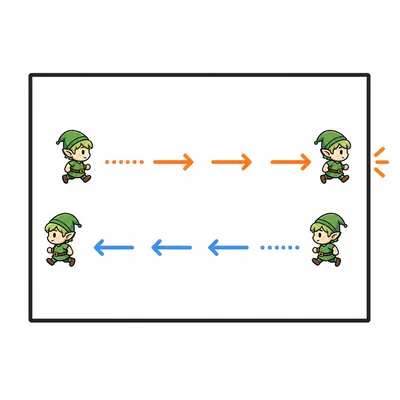
Look at this pseudocode: repeat forever: move sprite 3 steps; if sprite touches edge: turn around. What behavior will the sprite show?
- 6
Why are loops useful in animation programs?
- 7

A simulation of plant growth uses sunlight, water, and soil quality as variables. Choose one of these variables and describe how changing it could affect the simulation.
- 8
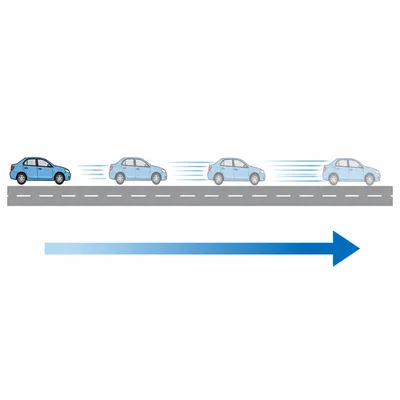
A car simulation uses the rule: speed = speed + 2 each second. If the car starts at 0 meters per second, what is its speed after 5 seconds?
- 9
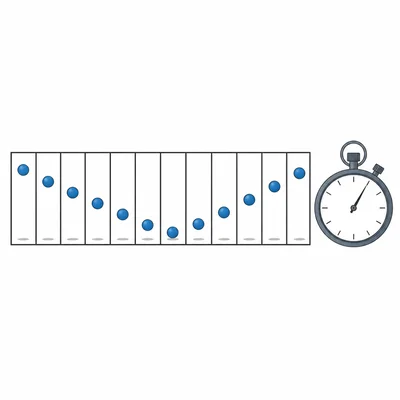
In an animation, the frame rate is 30 frames per second. What does this mean?
- 10
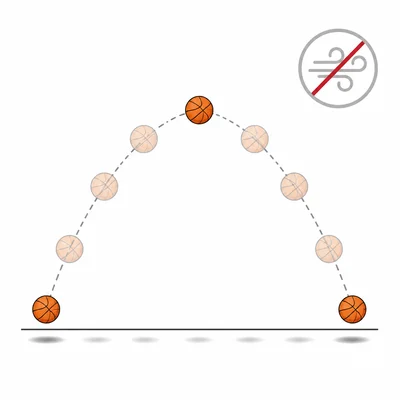
A bouncing ball simulation does not include air resistance. Explain why this is an assumption and how it might affect the simulation.
- 11
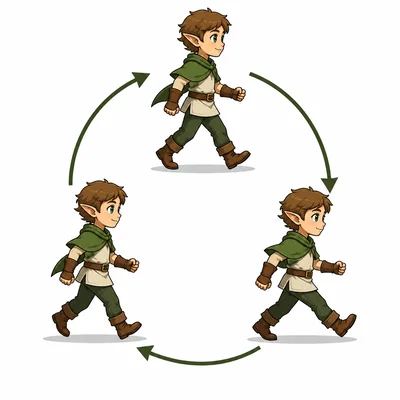
A sprite changes costumes in this pattern: walk1, walk2, walk3, walk1, walk2, walk3. What animation idea does this demonstrate?
- 12
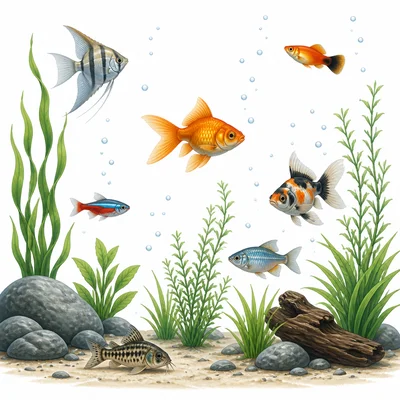
A fish simulation uses random numbers to choose each fish's starting location. Why might randomness make the simulation more realistic?
- 13
A student writes code for a sprite to move right, but the sprite moves left. Name one thing the student should check while debugging.
- 14

In a simple collision detection system, two sprites are considered to collide when their shapes overlap. Give one example of what a program might do after detecting a collision.
- 15
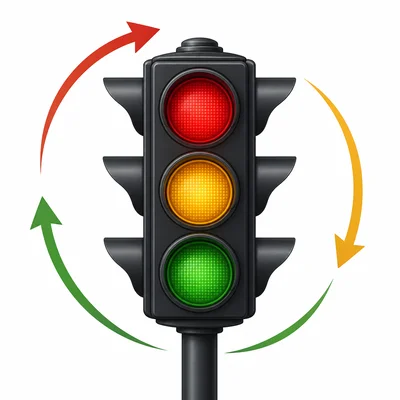
A simulation of a city traffic light uses three states: red, yellow, and green. Explain why states are useful in this type of program.