Practice reading, writing, and fixing basic HTML tags and document structure.
Read each problem carefully. Write complete answers and show your HTML clearly in the space provided.
Building web pages with elements, nesting, and basic page structure
CS - Grade 6-8
- 1
In your own words, explain what an HTML tag is. Give one example of an opening tag and one example of a closing tag.
- 2
Write the HTML element that would display this sentence as a paragraph: My favorite website teaches science and math.
- 3
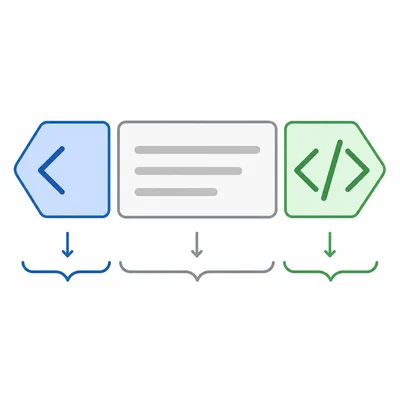
Label each part of this HTML element: <h1>My First Web Page</h1>. Identify the opening tag, content, and closing tag.
- 4
Write a basic HTML document structure that includes <!DOCTYPE html>, <html>, <head>, <title>, and <body>. Use the title My Page and include one paragraph in the body.
- 5
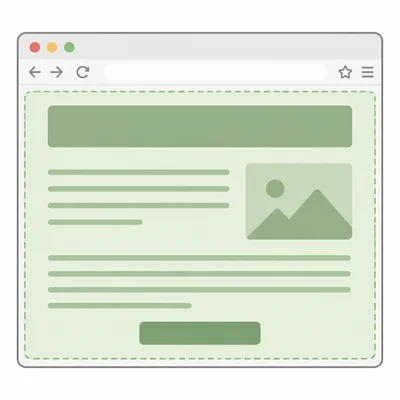
What is the purpose of the <body> section in an HTML document?
- 6
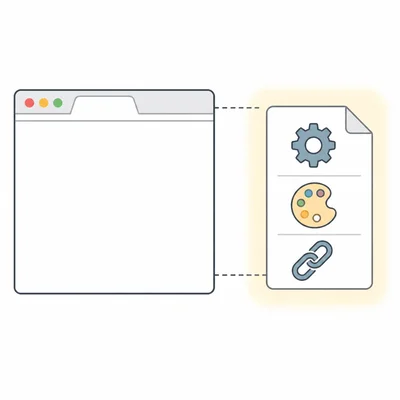
What is the purpose of the <head> section in an HTML document?
- 7
Fix the HTML so the tags are properly closed: <p>Welcome to coding
- 8
Fix the nesting problem in this HTML: <p>I like <strong>HTML</p></strong>
- 9
Write the HTML for an unordered list with three items: apples, bananas, and oranges.
- 10
Write an HTML link that displays the words Visit LivePhysics and goes to https://www.livephysics.com.
- 11
In this image tag, identify the tag name and two attributes: <img src="cat.jpg" alt="A gray cat sleeping">.
- 12
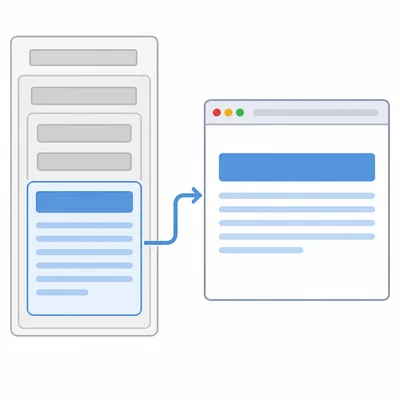
Look at this structure: <html><head><title>Pets</title></head><body><h1>All About Pets</h1><p>Pets need care.</p></body></html>. Which part would be visible on the web page?
- 13
Choose the best tag for the largest main heading on a page and explain your choice: <p>, <h1>, or <li>.
- 14
Create a small HTML body section with a heading that says Space Facts and a paragraph that says The Moon orbits Earth.
- 15
Find and explain two mistakes in this HTML: <html><head><title>Games</head></title><body><h1>Fun Games</h1></body></html>