Practice distinguishing between hardware and software while learning how the main parts inside a computer work together.
Read each problem carefully. Write complete answers and explain your thinking when asked.
Identify computer parts and explain how programs use them
CS - Grade 6-8
- 1
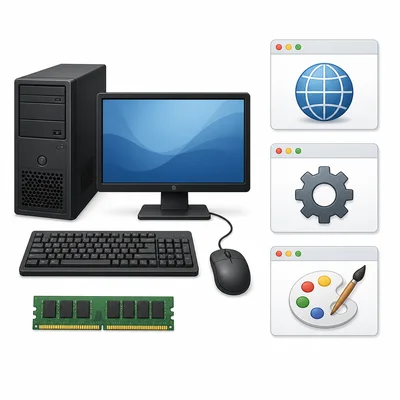
Classify each item as hardware or software: keyboard, web browser, RAM, operating system, mouse, photo editing app.
- 2
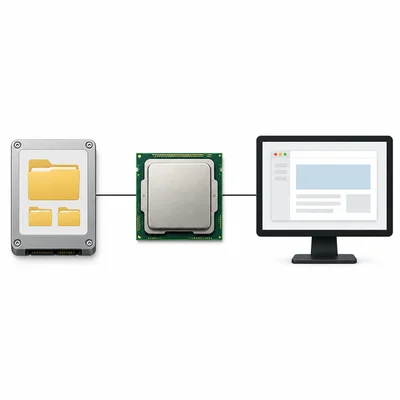
A student says, "The CPU is a program that stores all my files." Explain what is incorrect about this statement.
- 3
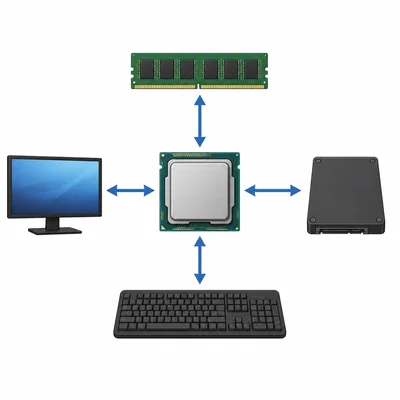
Describe the main job of the CPU in a computer.
- 4

Explain the difference between RAM and long-term storage such as an SSD.
- 5
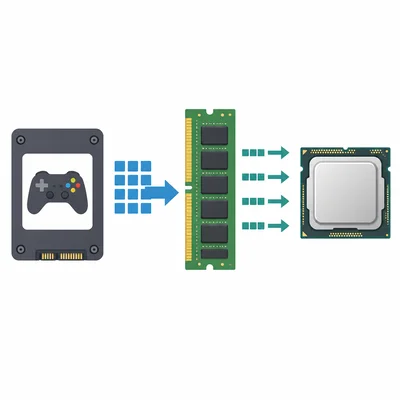
When you open a game, it loads from the SSD into RAM before the CPU runs many of its instructions. Explain why RAM is useful for this process.
- 6
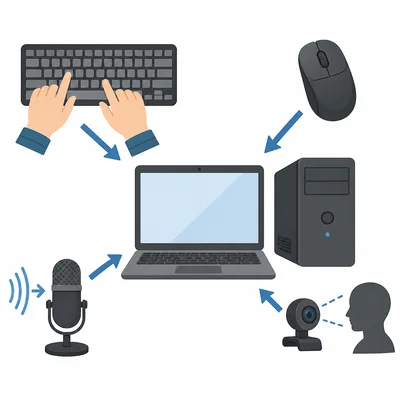
List three examples of input devices and explain what kind of information each one sends into a computer.
- 7
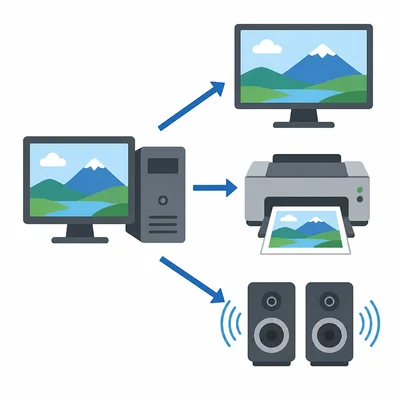
List three examples of output devices and explain what each one sends out from a computer.
- 8
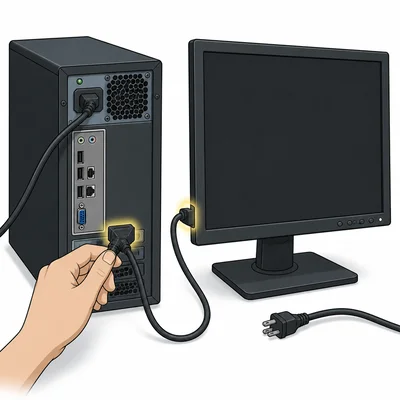
A computer will turn on, but nothing appears on the monitor. Name two hardware parts or connections that could be checked first, and explain why.
- 9
A word processor, an operating system, and a video game are all software. Explain one way they are similar and one way they are different.
- 10
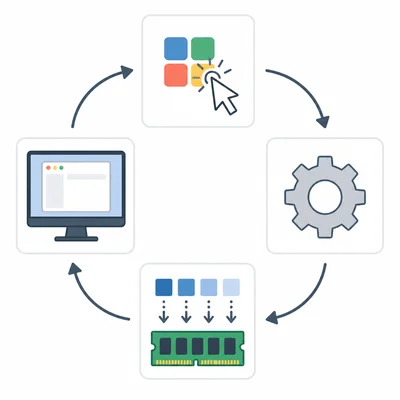
Put these events in a logical order when a user opens a drawing app: The app window appears on the screen. The user double-clicks the app icon. The operating system tells the computer to load the app. The app's instructions are copied into RAM.
- 11
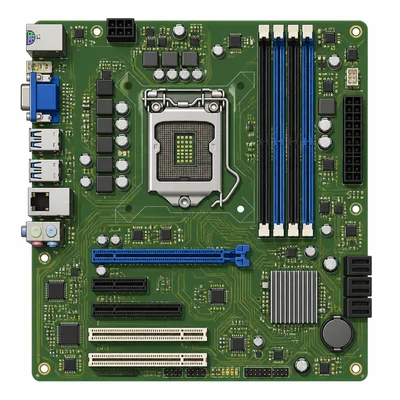
Explain the role of the motherboard inside a computer.
- 12

Classify each item as internal hardware, external hardware, or software: graphics card, headphones, spreadsheet program, motherboard, monitor, antivirus program.
- 13
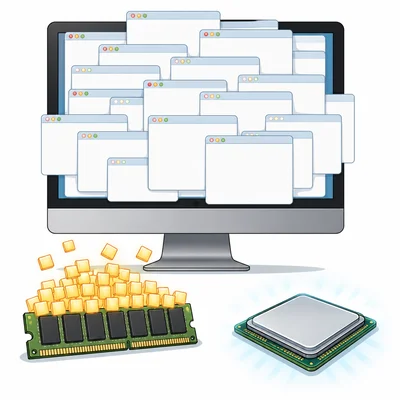
A computer has a fast CPU but very little RAM. Describe one problem a user might notice when many browser tabs are open.
- 14
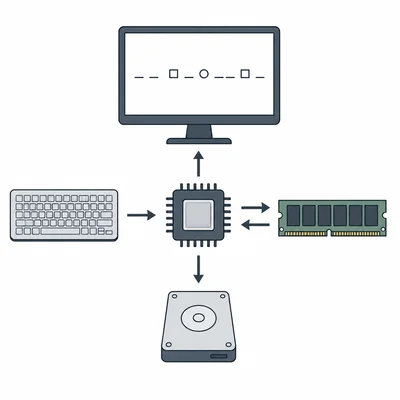
Look at the parts of a computer system: input device, CPU, RAM, storage, output device. Explain how these parts could work together when a user types a sentence and saves it.
- 15
Create a two-column comparison between hardware and software. Include a definition and two examples for each.