Practice using variables to store information and using print() to display text, numbers, and variable values in Python.
Read each Python question carefully. Predict the output, write code, or explain the idea in complete sentences.
Practice storing values and displaying output in Python
CS - Grade 6-8
- 1
What will this Python code display? age = 12 print(age)
- 2
Write one line of Python code that displays the message Hello, Python!
- 3
Write two lines of Python code. First, create a variable named favorite_color and store a color in it. Second, print the variable.
- 4
What will this Python code display? name = "Maya" print("Hi", name)
- 5
What will this Python code display? score = 10 score = score + 5 print(score)
- 6
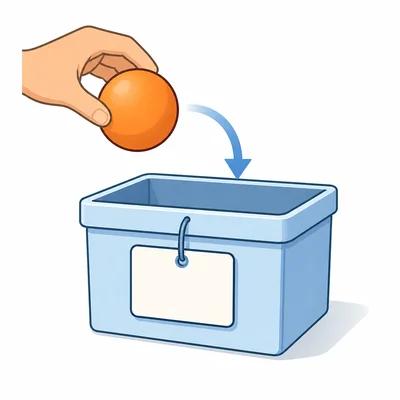
Explain what a variable does in a Python program.
- 7
Fix the error in this code so it displays the message Good morning. message = Good morning print(message)
- 8
Circle or list the valid Python variable names: 2score, score2, first_name, first name, class_count
- 9
What will this Python code display? item = "stickers" count = 4 print(count, item)
- 10
Write Python code that stores the number 7 in a variable named apples and then displays I have 7 apples.
- 11
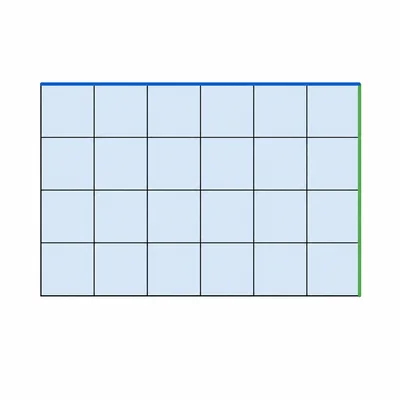
Write a short Python program that stores length = 6 and width = 3, calculates area, and prints the area.
- 12
What will this Python code display? x = 5 y = 2 print(x + y) print("x + y")
- 13
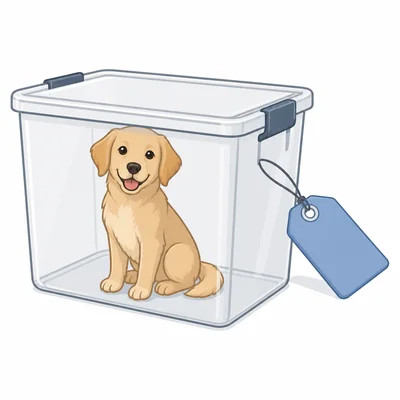
Explain the difference between a variable name and a variable value using this example: pet = "dog".
- 14
Fill in the blanks to create a variable named city with the value Denver and then print it. _____ = "Denver" print(_____)
- 15
Find and fix the problem in this code. Name = "Jordan" print(name)