Learn the main jobs of an operating system, including managing programs, memory, files, devices, and security.
Read each problem carefully. Write complete answers and explain your thinking when asked.
How an operating system manages hardware, software, files, and users
CS - Grade 6-8
- 1
In your own words, explain what an operating system is and name two examples of operating systems.
- 2
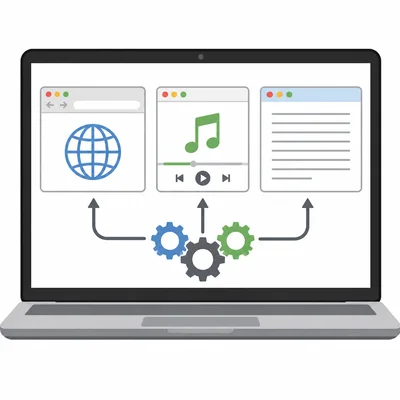
A student opens a web browser, a music app, and a word processor at the same time. What job is the operating system doing to help this work?
- 3
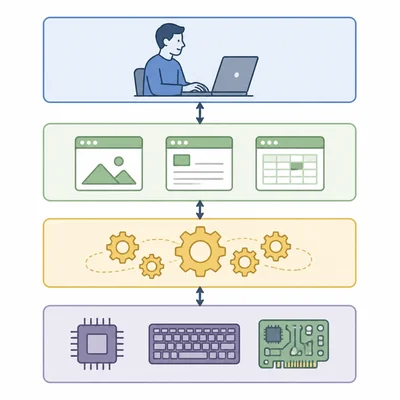
Label the parts of this computer system from top to bottom: user, application, operating system, hardware. Then explain why the operating system is in the middle.
- 4
Why does a computer need an operating system to run most applications?
- 5
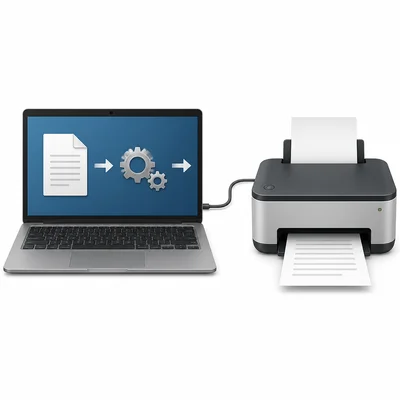
A printer is connected to a laptop. When the student clicks Print, what role does the operating system play?
- 6
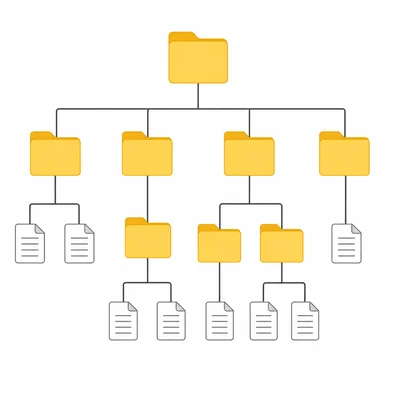
Look at the file tree. What is one job the operating system is doing in this situation?
- 7
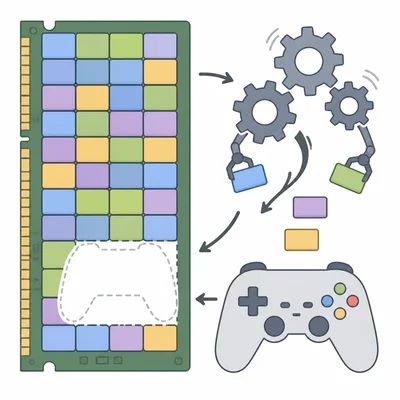
A game needs more memory than a computer currently has available. What might the operating system do?
- 8
Explain the difference between hardware and software. Include one example of each.
- 9
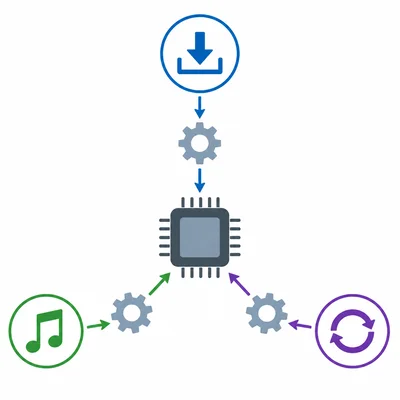
A computer is downloading a file, playing music, and checking for updates. How does the operating system decide what gets attention from the processor?
- 10
Why are user accounts important in an operating system?
- 11

A student tries to install an app on a school computer, but the computer asks for an administrator password. What operating system job does this show?
- 12

Look at the task manager style chart. Which program is using the most memory, and why might this information be useful?
- 13
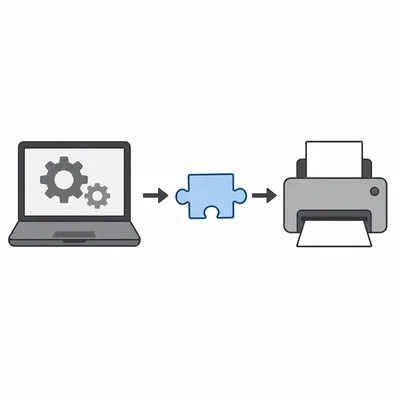
What is a device driver, and why does an operating system use one?
- 14
A phone shows a notification that says, 'System update available.' Give two reasons why operating system updates are important.
- 15
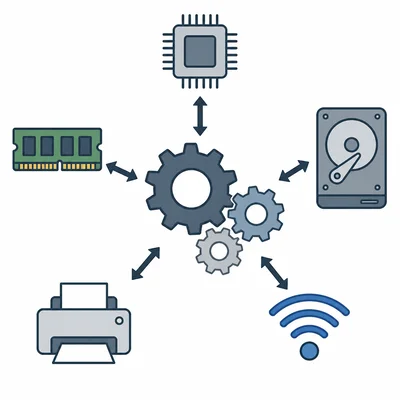
Study the diagram of an operating system managing resources. Choose two resources shown and explain how the operating system helps manage them.