Practice identifying computer hardware and software and explaining how they work together.
Read each problem carefully. Write your answer in complete sentences when you can.
Learn how computers use parts and programs to do tasks
CS - Grade 2-3
- 1
A computer is a machine that follows instructions to help people do tasks. Name one task a computer can help you do at school.
- 2
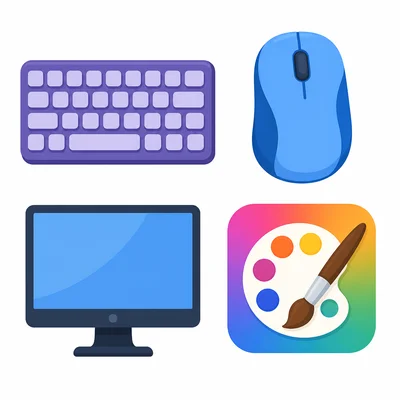
Circle the items that are hardware: keyboard, drawing app, mouse, monitor.
- 3

Software is a set of instructions or programs that tells a computer what to do. Is a math game on a tablet hardware or software? Explain.
- 4
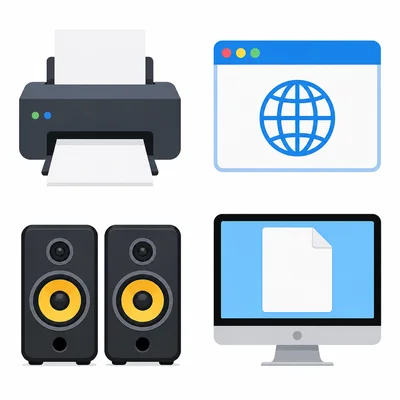
Write H for hardware or S for software next to each item: printer, web browser, speakers, word processor.
- 5
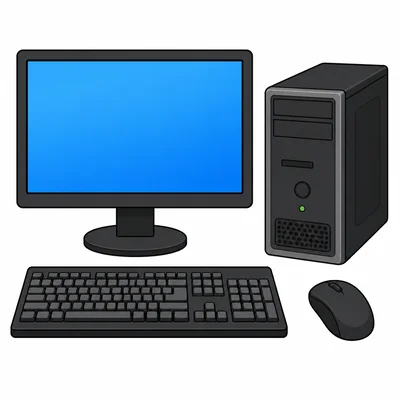
Look at a computer with a monitor, keyboard, mouse, and tower. Choose two parts and tell what each one does.
- 6
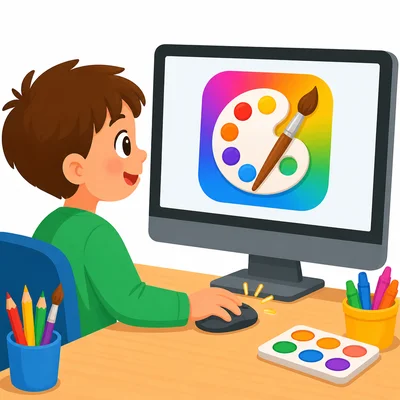
Mia clicks on an icon to open a painting program. What hardware does she use to click, and what software does she open?
- 7
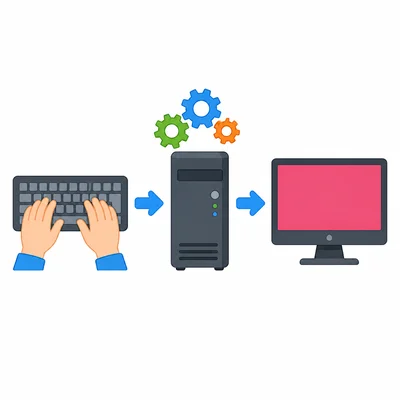
A computer needs input, processing, and output. If you type your name on a keyboard and it appears on the screen, what is the input and what is the output?
- 8
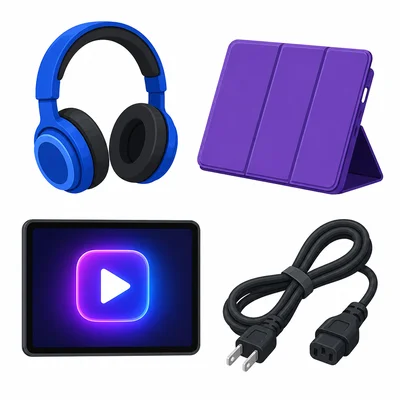
Which item is most likely software: headphones, tablet case, video app, power cord? Explain your choice.
- 9
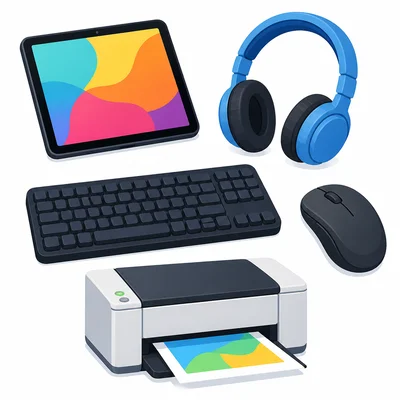
Draw or describe one piece of computer hardware you have used. Tell what it helps you do.
- 10
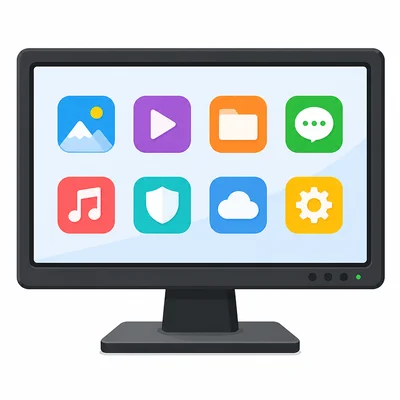
A student says, "The screen is software because it shows apps." Is the student correct? Explain.
- 11
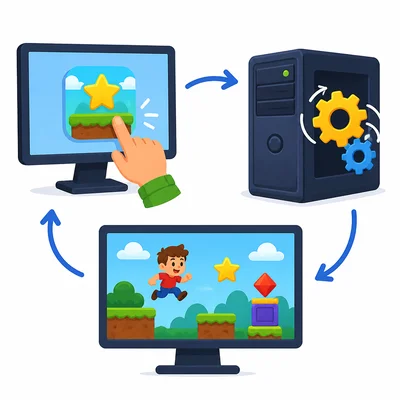
Put these steps in order from 1 to 3: The computer follows the program instructions. You click the game icon. The game appears on the screen.
- 12
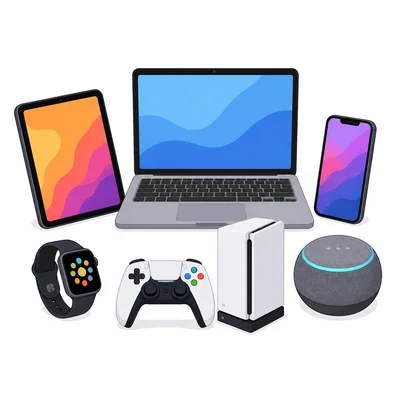
Name one device that is a computer or has a computer inside it.
- 13
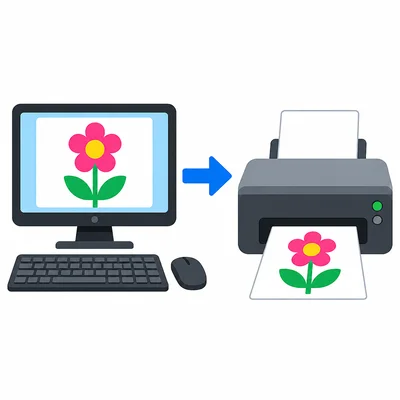
A printer makes a paper copy of a picture from the computer. Is the printer input hardware or output hardware? Explain.
- 14
Choose the better word to complete the sentence: A computer can follow blank to do a job. Choices: snacks, instructions, pillows.
- 15

Explain how hardware and software work together when you watch a video on a tablet.