Practice explaining cloud computing, comparing local and cloud storage, and making safe choices when storing and sharing data online.
Read each problem carefully. Write complete answers and explain your reasoning when asked.
Understanding how files, apps, and data are stored online
CS - Grade 6-8
- 1
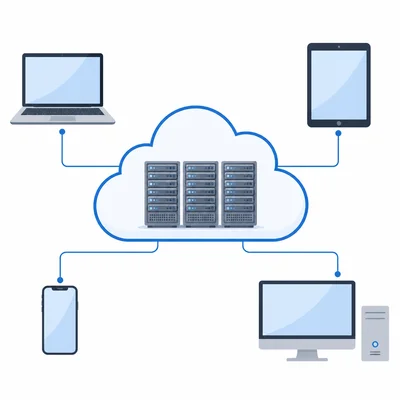
Define cloud computing in your own words. Include one example of a cloud service a student might use.
- 2
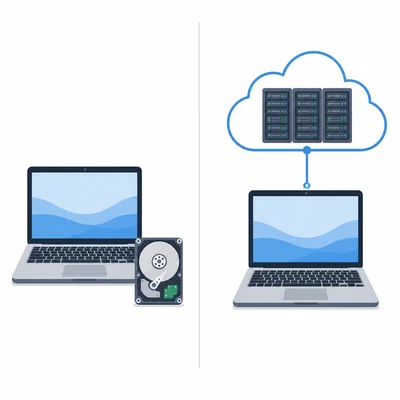
Explain the difference between local storage and cloud storage.
- 3
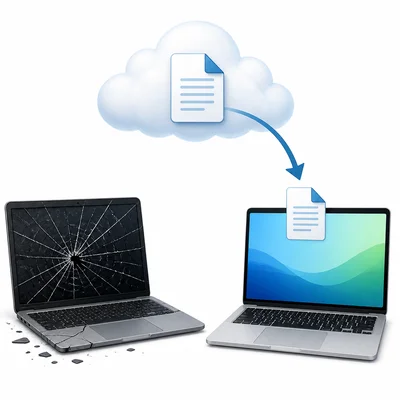
A student saves a science report only on a school laptop. Another student saves the report in a cloud folder that syncs to the laptop. Which student is more likely to recover the report if the laptop breaks? Explain why.
- 4
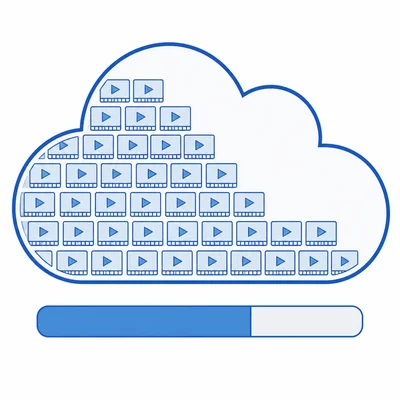
A cloud storage plan gives 15 GB of space. A class stores 24 videos, and each video is 250 MB. Using 1 GB = 1000 MB, how much space do the videos use, and how much space is left?
- 5
List two advantages of cloud storage for students working on a group project.
- 6
List two possible risks or disadvantages of cloud storage.
- 7
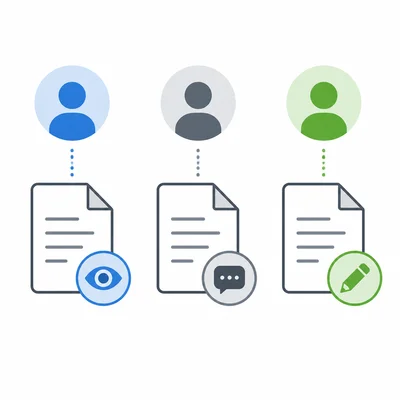
A document is shared with three settings: Viewer, Commenter, and Editor. Explain what each permission level usually allows someone to do.
- 8
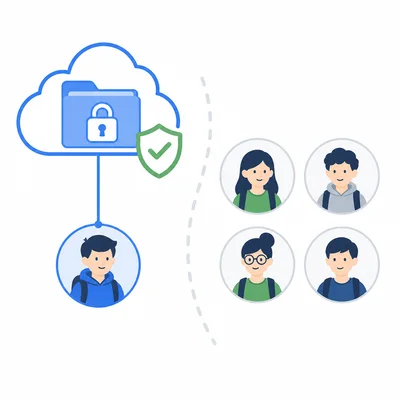
A student wants to share a cloud folder with a partner, but not with the whole class. Describe two safe sharing choices the student should make.
- 9
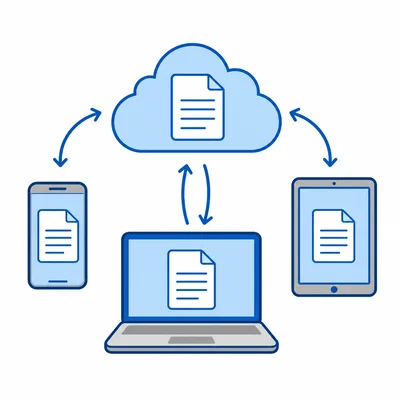
Explain what syncing means when using cloud storage.
- 10
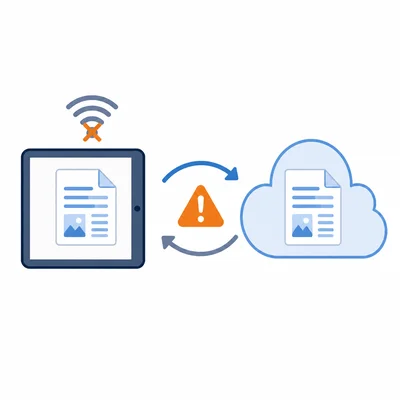
A file is edited on a tablet while offline. Later, the tablet reconnects to the internet. Describe one problem that could happen during syncing and how the cloud service might handle it.
- 11
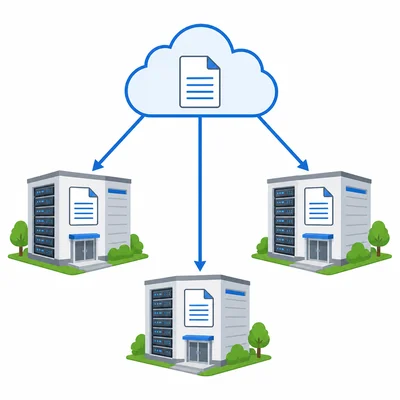
Explain why cloud companies often store copies of data in more than one data center.
- 12
Choose the stronger password and explain your choice: soccer123 or River!72Moon$.
- 13
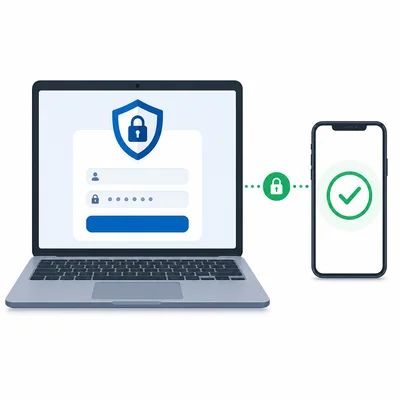
Explain how two-factor authentication can help protect a cloud account.
- 14
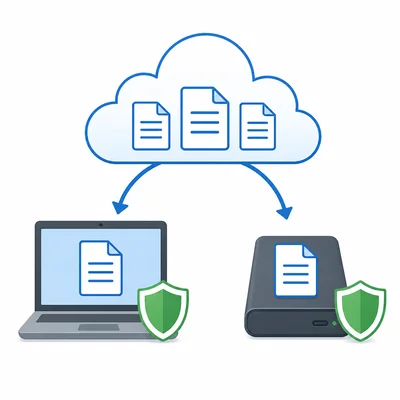
A student says, "If my files are in the cloud, I never need a backup." Explain why this statement is not fully correct.
- 15
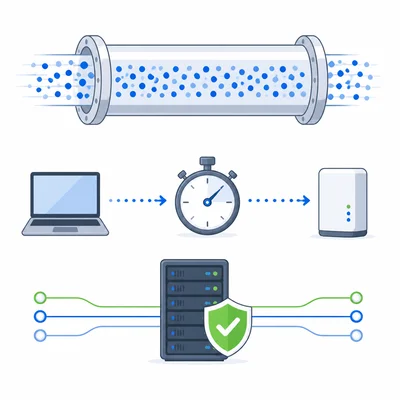
Match each term to its meaning by writing the correct explanations: bandwidth, latency, and uptime.