Practice identifying Scratch sprites, choosing event blocks, predicting loops, and explaining how simple programs run.
Read each problem carefully. Use complete sentences when explaining your thinking. Show your work in the space provided.
Practice using sprites, loops, and event blocks in Scratch
CS - Grade 4-5
- 1
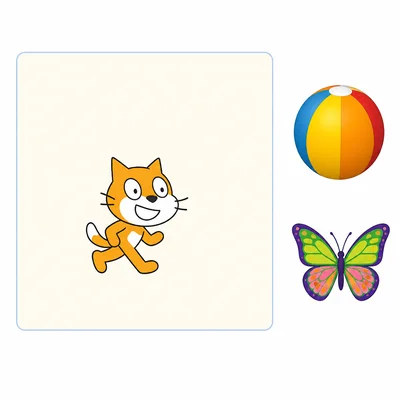
In Scratch, what is a sprite? Give one example of something that could be a sprite in a project.
- 2
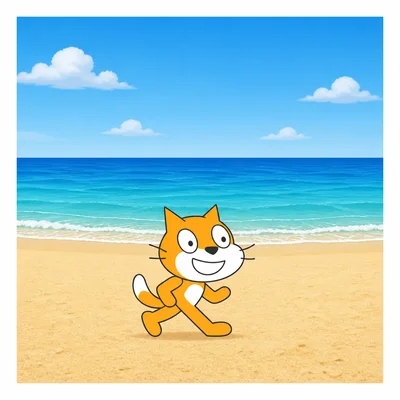
A Scratch project has a cat sprite and a beach backdrop. Which one is the sprite, and which one is the setting?
- 3
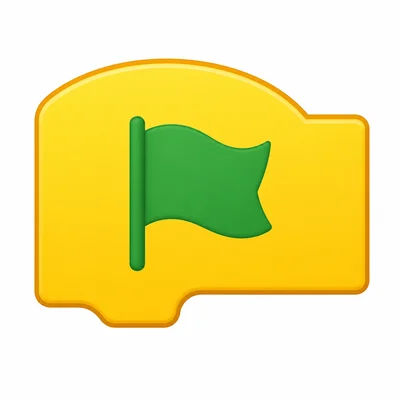
Which event block would you use to start a program when the green flag is clicked?
- 4
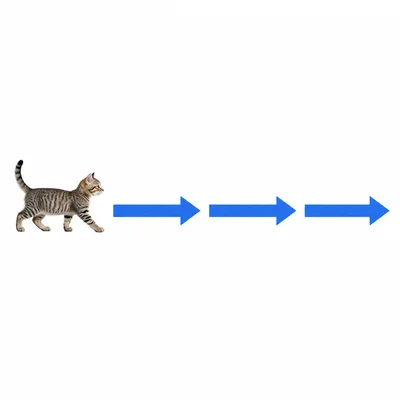
A sprite has these blocks: when green flag clicked, move 10 steps, move 10 steps, move 10 steps. How many total steps does the sprite move?
- 5
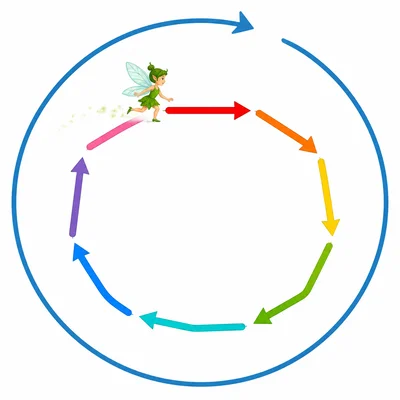
A sprite has these blocks: when green flag clicked, repeat 4, move 5 steps. How many total steps does the sprite move?
- 6
Explain why a repeat block is useful when you want a sprite to do the same action many times.
- 7
A sprite should dance the whole time the project is running. Should you use a repeat block or a forever block? Explain your choice.
- 8
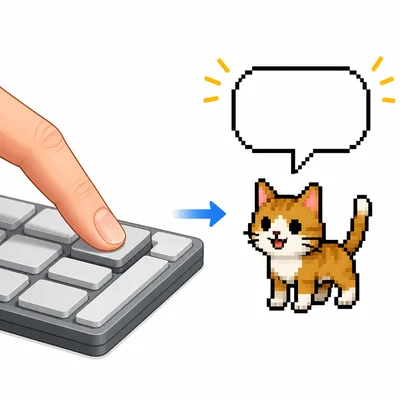
A sprite has these blocks: when space key pressed, say Hello! for 2 seconds. What makes the sprite say Hello?
- 9

A student wants a dog sprite to bark when it is clicked. Which event block should start the code?
- 10
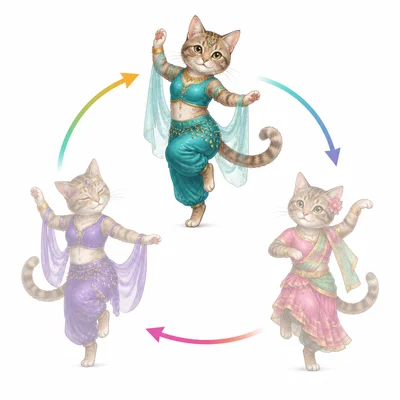
A sprite has these blocks: when green flag clicked, repeat 3, next costume. What happens to the sprite when the green flag is clicked?
- 11
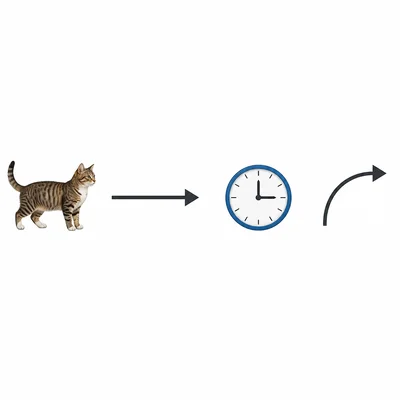
Look at this plan: When the green flag is clicked, the sprite should move 10 steps, wait 1 second, then turn 15 degrees. Put the actions in the correct order.
- 12
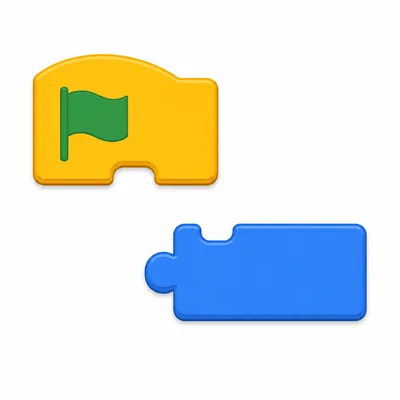
A student puts a move 10 steps block on the screen, but the sprite does not move when the green flag is clicked. What important kind of block might be missing?
- 13
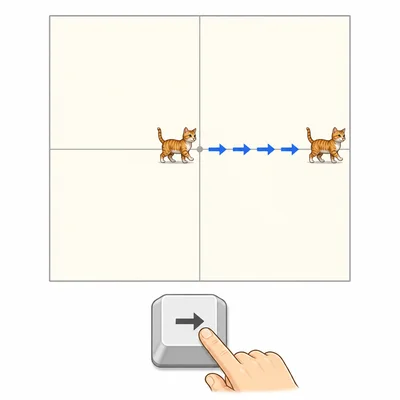
A sprite starts at the center of the stage. Its code says: when right arrow key pressed, change x by 10. What happens when the right arrow key is pressed 5 times?
- 14
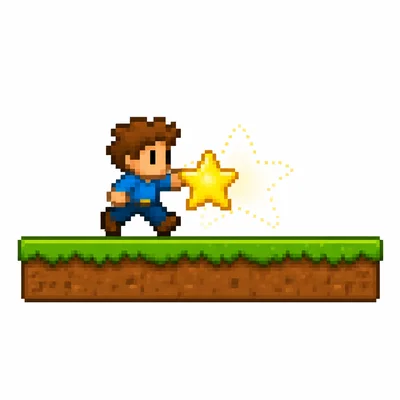
A game has a player sprite and a star sprite. The star should disappear when the player touches it. What condition could be used in the code?
- 15
Describe a simple Scratch project that uses at least one sprite, one event, and one loop.