Scientific Data Graphing Lab
A general purpose data analysis lab. Paste any CSV, upload a file, or load a built-in sample. Choose any two numeric columns, fit linear, quadratic, cubic, power, exponential, or logarithmic models, and read R squared, residuals, and the fitted equation.
Data Input
Paste or load data first to configure the fit.
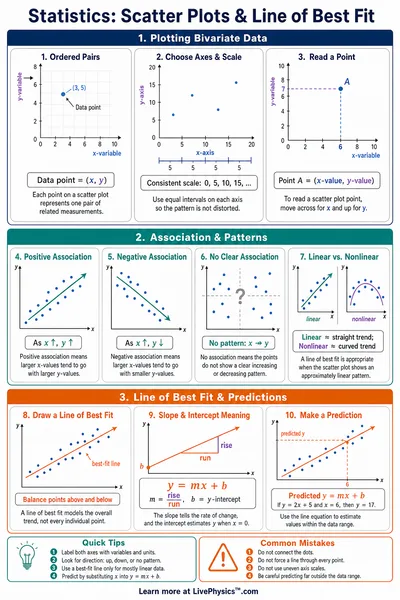
y vs x
Paste data, upload a CSV, or load a sample to see the plot.
Data Table
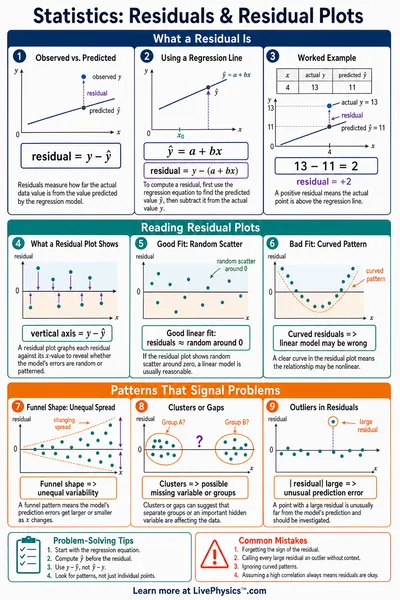
(0 rows)| # | Trial | x | y | ŷ (fit) | residual |
|---|
Reference Guide
CSV Input Format
Paste any column-separated data. The lab accepts commas, tabs, or semicolons and auto detects which one your file uses. A first row of non-numeric labels is treated as the header. Lines starting with # are skipped as comments.
You can also upload a .csv, .tsv, or .txt file. The lab parses every numeric column and lets you choose any two of them as X and Y for the plot.
R squared and the Best Fit
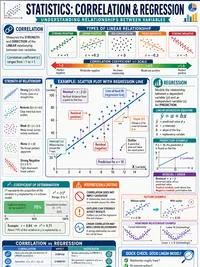
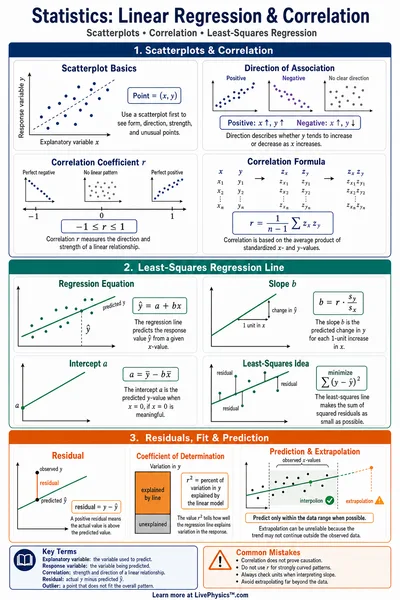
R squared measures the fraction of variance explained by the model.
The Best Fit auto button tries every fit type and selects the model with the highest R squared. Linear fits often have lower R squared on curved data; the residual plot shows whether the fit type is appropriate.
Polynomial Fits
Linear, quadratic, and cubic fits use ordinary least squares via the normal equations.
Higher degrees can overfit a small dataset. If R squared rises only marginally going from quadratic to cubic, the lower degree is usually the correct physical model.
Power, Exponential, and Logarithmic Fits
The non-polynomial fits use a linearizing transform.
Power and exponential fits require all positive y values; power and logarithmic fits also require positive x. If your data has a zero or negative value the lab flags this with a warning.